Chapter 8 Options
PAGE 8-9
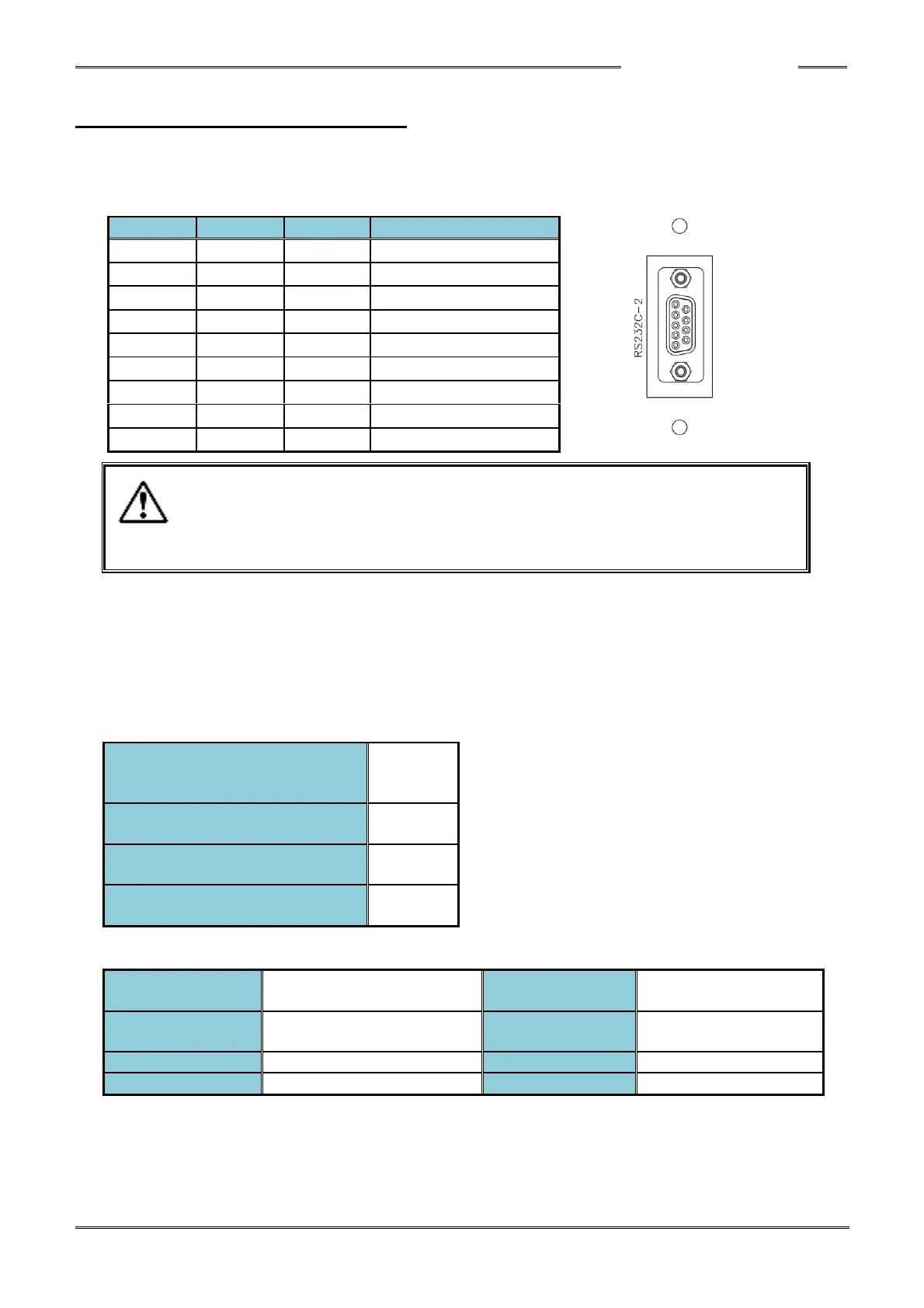
8-2 Expansion RS232C Interface
With the expansion RS232C interface, input of ID data can be performed. The ID data that has been
input by the RS232 Input port is “married” to the curve waveform and fastening result data and output
as result data or the fieldbus message, etc.
・The RS232C-2 port is for input of ID data only.
Set SYS. 033: 1XXXXX ID Input Selection to “RS232C-2.”
The factory settings of the RS232C-2 ports of the Expansion controller 2 are shown below. The
respective set values can be confirmed with D-No. “401” ~ “404” of the System Setting Mode (PAR No.
Display: “SYS”)
The settings cannot be changed using the front panel display. The settings can be changed using HFC
Software ver. 1.130 or later.
●Factory default setting ([SYS] System Parameters)
D-No.401
“RS232C-2: Communication
Speed”
D-No.402
“RS232C-2: Parity”
D-No.403
“RS232C-2: Stop bit”
D-No. 404
“RS232C-2: Data Length”
●Expansion RS232C Specifications
Start-stop synchronization
method
9600bps/19200bps/
38400bps



 To Next Page