Chapter 6 Fastening Operation
PAGE 6-13
6-2-5 System Parameter Display Mode
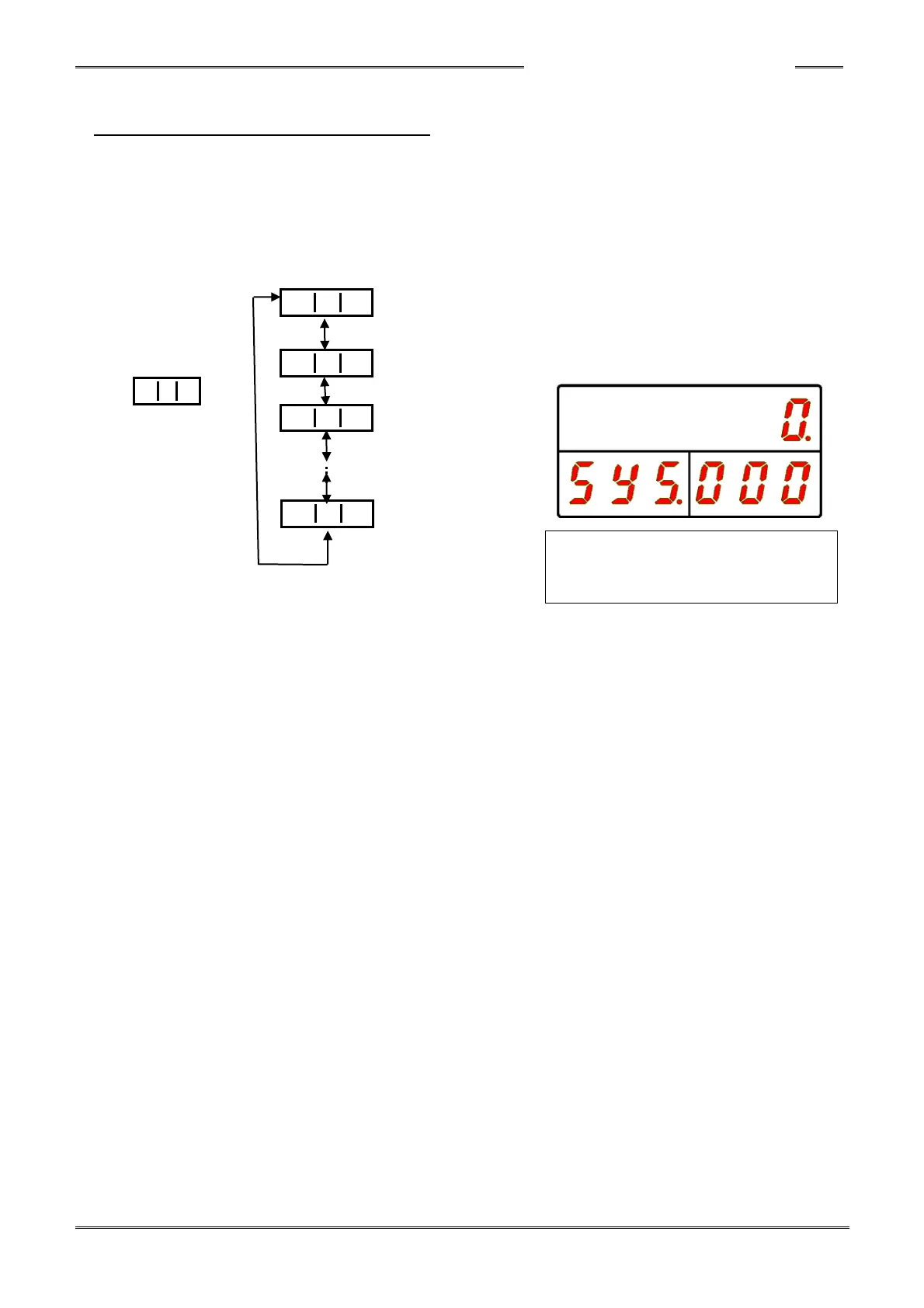
The following data is displayed in System Parameter Display Mode. “SYS” is indicated in the PAR No.
display area. By pressing the [▲] or [▼] push-button, the “D-NO” can be changed ±1. The numbers
can be advanced 10 at a time by holding the [▲] or [▼] push-button longer.
Refer to “Parameter List” regarding the details about parameters.
“WORK” “COUNT/D-No.” “DATA”
Torque Unit
Software Version
Amplifier Version
Touch Panel
Number of Retries



 To Next Page