Chapter 6 Fastening Operation
PAGE 6-16
6-3 Parameter Program Mode
NOTE: Setting up parameters is performed easier using the HFC3000 Software – this method is
provided in the case software is not available
The parameter settings can only be changed/programmed when in the BYPASS / PROGRAM mode.
The Data No. and parameter setting of each parameter No. is displayed.
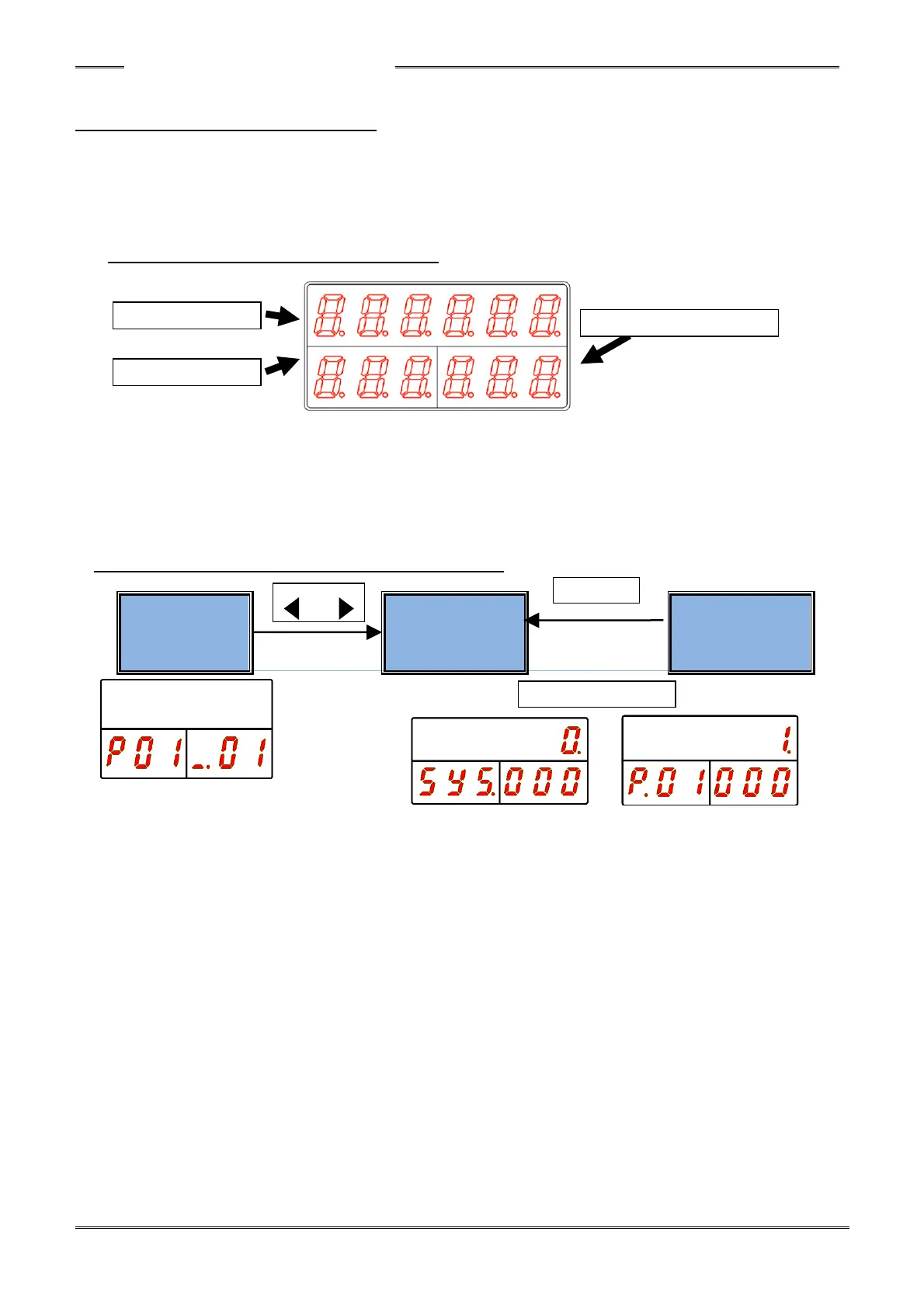
Display while in Parameter Program Mode)
●DATA Display
The actual set value is displayed here.
●WORK Display
The fastening parameter No. (P. 01-P. 64) is displayed here.
●COUNT/D-No. Display
The parameter data No. is displayed here
6-3-1 Changing Modes in the PROGRAM Mode
●Status Display
The current state of the controller is indicated in this mode.
Display in this mode is performed immediately after changing from the RUN mode to the PROGRAM
mode. (by pushing the “PRG” Key)
Changing to the set value selection mode is performed by the [◄] and [►] buttons.
In the “Parameter Program Mode” and the “System Setting Mode,” the mode is changed directly to
the set value selection mode.
●Parameter Selection Mode
A parameter can be selected in this mode.
The [◄] and [►] buttons are used to change the position of the cursor.
The [▲] and [▼] buttons are used to change the indicated parameter number.
●Parameter Editing Mode
A parameter is programmed in this mode.
The value is edited using the [▲] and [▼] buttons and saved with the “SET” button.
When the “RESET” button is pressed, the setting (in the process of being changed) is discarded and
the original setting returns (before attempting to change it).



 To Next Page