Chapter 5 Power Up and Operational Tests
PAGE 5-3
5-2 Items to be Checked When Powering On the Equipment
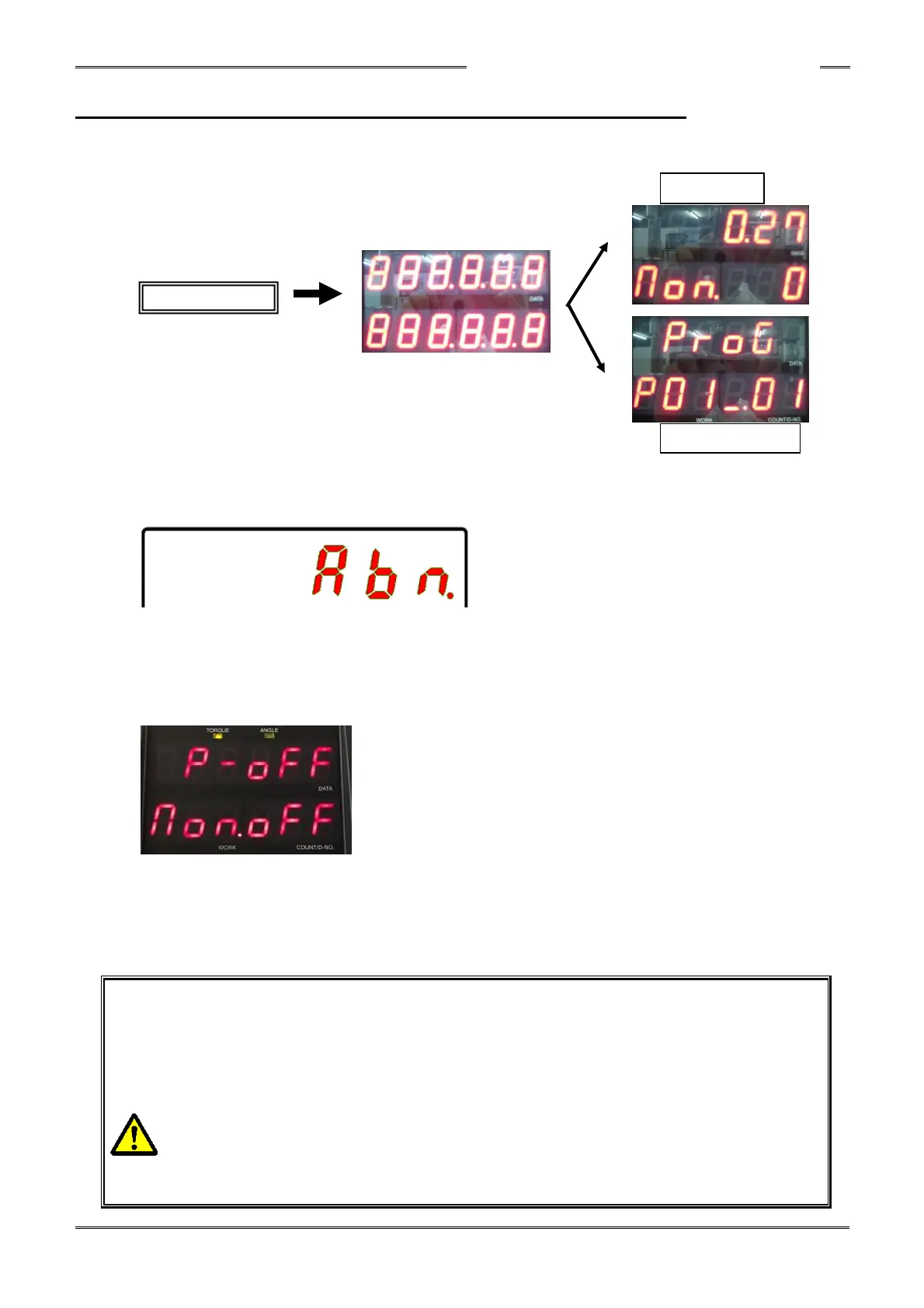
Confirm that the display changes as follows when the control power is turned on.
If “ABN” (Abnormal) is indicated in the upper stage of the indicator when the power is activated,
please refer to the troubleshooting chapter to identify and eliminate the cause, ensure safety, and
then reactivate the control power.
When powering on and the display stays on as shown below (and does not change to RUN Mode)
this indicates the installed Fieldbus type does not match the Fieldbus type setup in the controller.
Download the correct Fieldbus type to the controller (using the HFC3000 software) and then
re-power the controller (turn off / turn off).
Follow the below safety precautions when powering on the controller.
【Caution: Powering the controller ON/OFF】
・After turning OFF the power, do not turn power back ON without a brief wait.
(recommended 20 seconds before turning power back on) Single or random
incidents of powering up with less waiting time is acceptable. However, multiple
attempts to power ON/OFF in succession may cause the following;
・The inrush current protection circuit may shut down the power supply circuit.
・If the power supply circuit automatically shuts down, the power supply circuit will
not work even if the control power is turned back on.
・Wait (with power OFF) for at least 5 minutes to reset the protection circuit before
powering ON.



 To Next Page