Chapter 4 Installation and Wiring
PAGE 4-25
4-8 Ethernet Interface
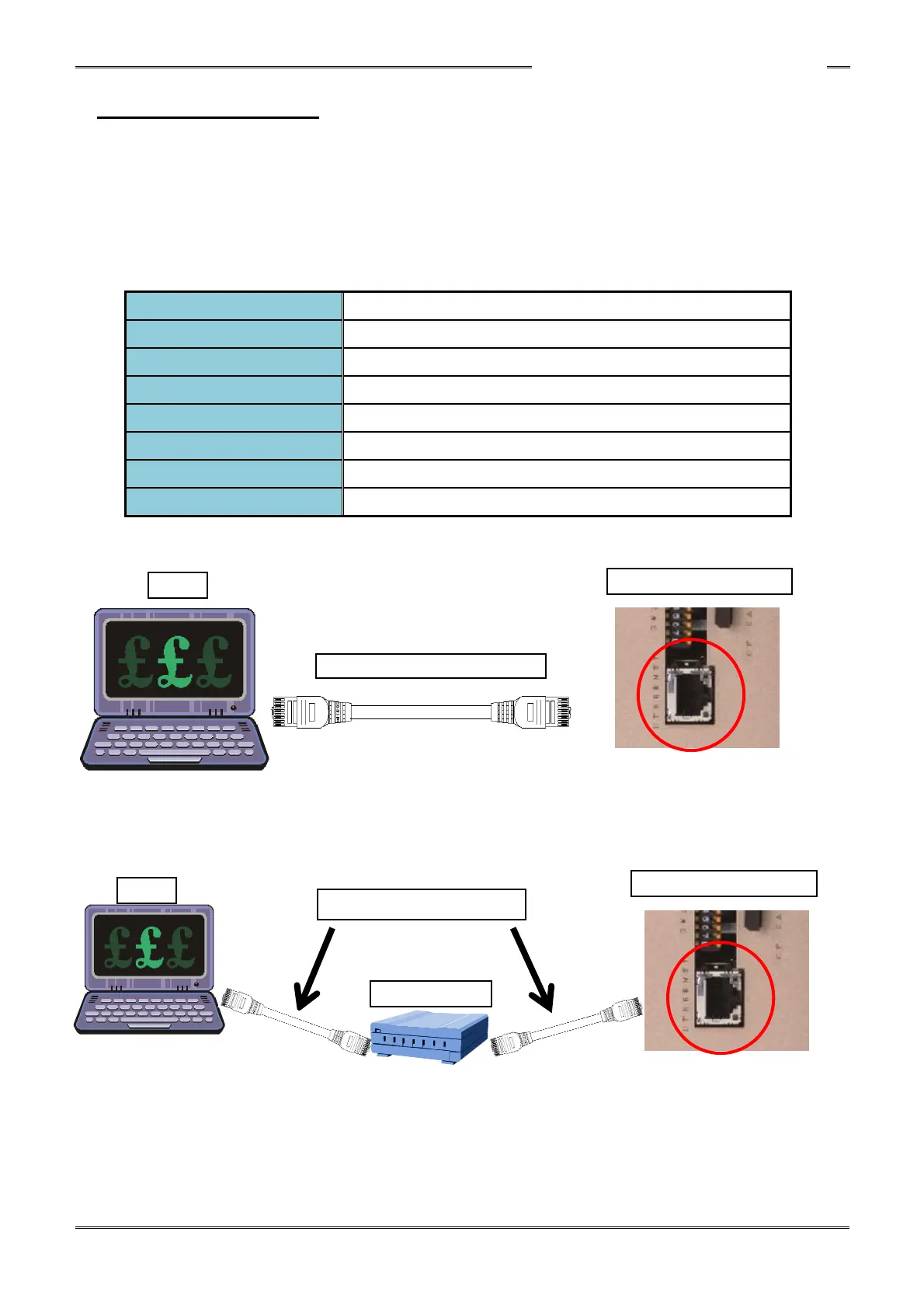
The Ethernet interface is the TCP/IP Ethernet port dedicated to communication with the HFC3000
User Console installed in a PC with Windows
®
.
A commercially available Ethernet cable (crossover/straight) can be used. (CAT5 or higher)
The TCP/IP factory settings of the controller are shown below. The settings of the connecting PC
side must be changed to connect to these settings when making the first connection. (The Ethernet
IP settings can be changed once connected)
192.168.11.10 (factory setting)
255.255.255.0(factory setting)
192.168.11.1 (factory setting)
Category 5 or higher (category 5 is recommended)
● 1-to-1 Direct Communication with the PC
*Newer PC’s have auto-detect Ethernet hardware for signal direction and may not require a
“Crossover” cable. A common Ethernet (Straight) cable would work if this is the case.
● Communication via an Ethernet Switch (Hub)
Ethernet Crossover Cable*



 To Next Page