Chapter 6 Fastening Operation
PAGE 6-2
6-1 Changing between RUN and PROGRAM Modes
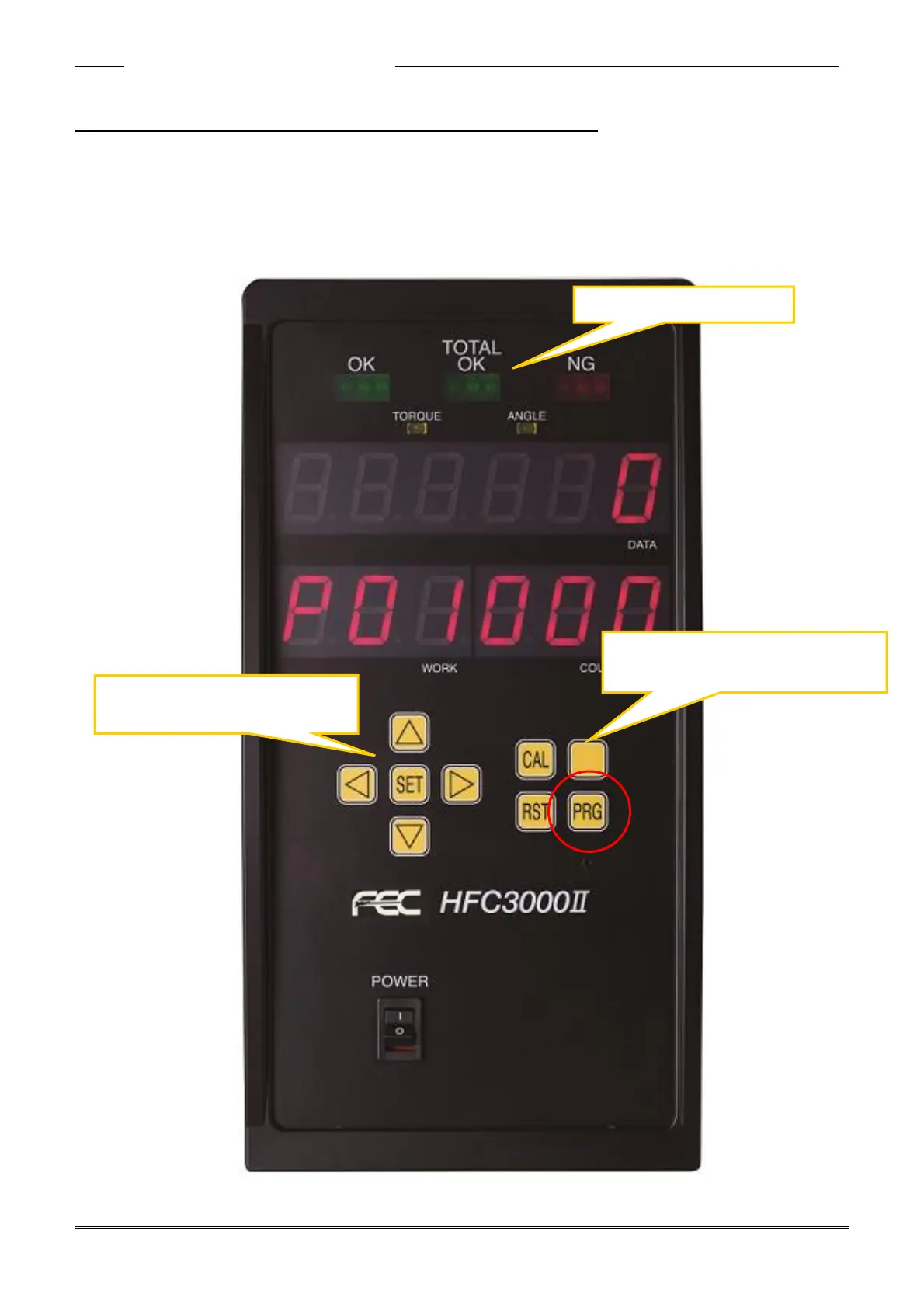
There are two modes of the handheld tool - the RUN (operation) and PROGRAM (setting) modes.
In the RUN (operation) mode, the fastening operation and the fastening result judgment are indicated.
Parameters can be changed in the PROGRAM (setting) mode.
Changing between the RUN and PROGRAM modes can be performed using the PLC I/O BYPASS
signal or the PRG key button (pressing the PRG button, holding for more than 1.5 seconds).



 To Next Page