Chapter 6 Fastening Operation
PAGE 6-14
6-2-6 Status Display Mode
In the Staus Display Mode (run mode), the currently selected work (parameter) No. (01 ~ 64) is
indicated in the WORK Display. The Spindle No. of the controller is indicated by the 10s and 1s
digits of the COUNT/D-No. Display.
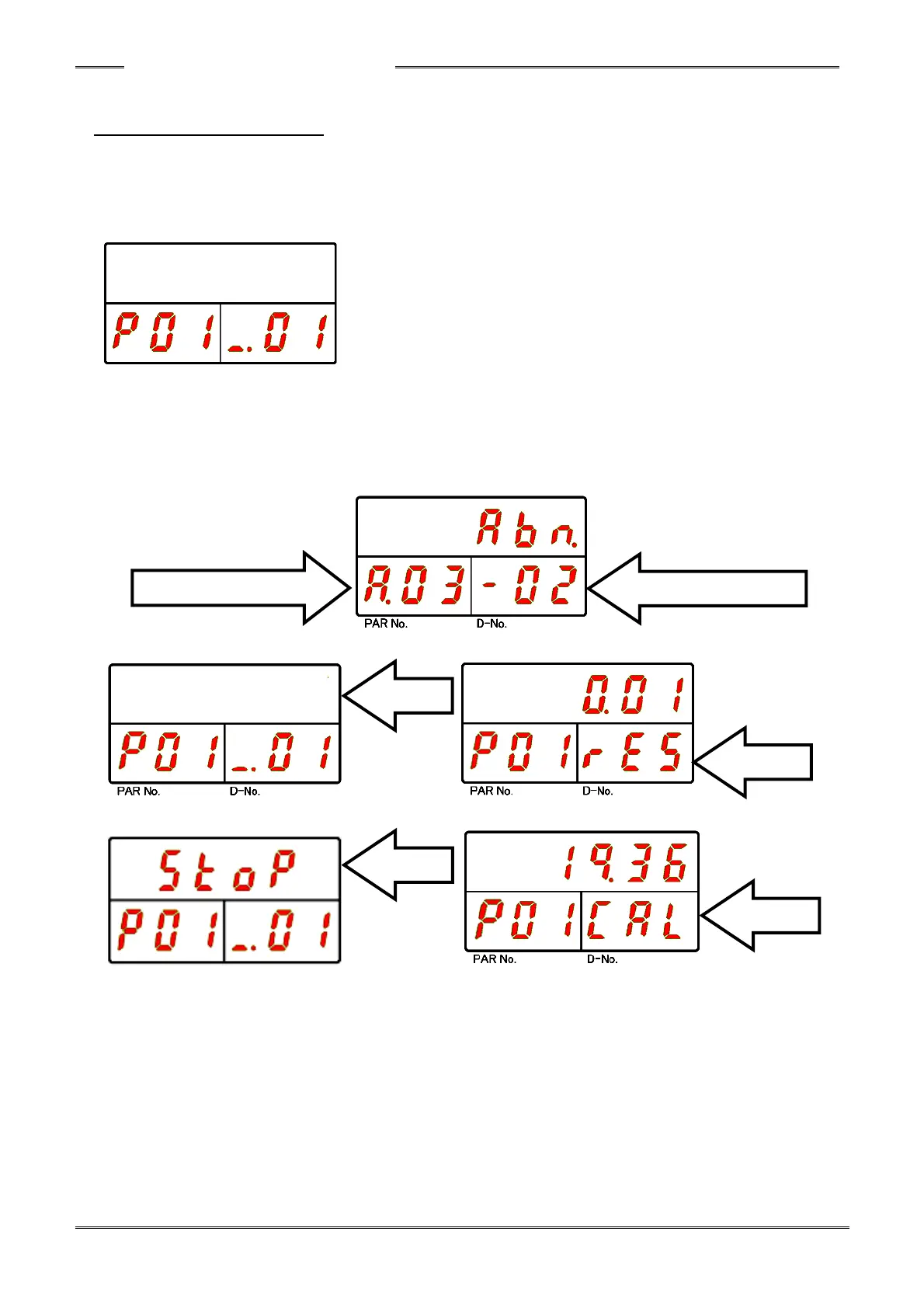
■Ordinary View
When the state of the system is changed due to an Abnormal occurrence or the STOP signal set to
“OFF,” etc., transition to the status display is performed automatically and the contents indicated in
the respective display.
■When an error occurs (ABNORMAL signal “ON”)
■When the BYPASS signal is turned “ON” ■When the RESET button is turned “ON”
■When the STOP signal is turned “OFF” ■When the CAL button is turned “ON”



 To Next Page