Chapter 6 Fastening Operation
PAGE 6-18
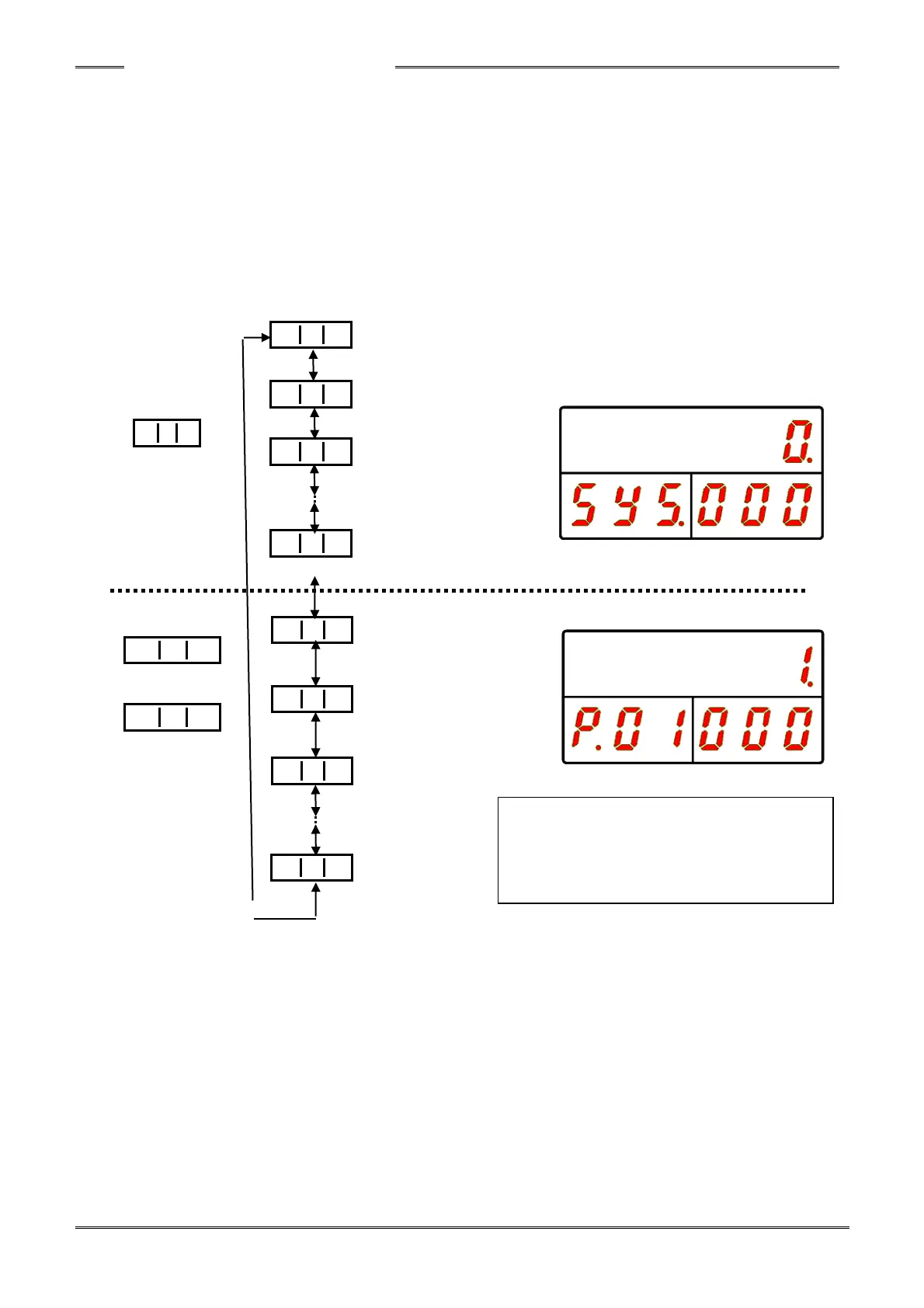
In the Parameter selection mode, “SYS.” is displayed in the WORK Display in the case of a SYSTEM
parameter and the parameter No. (P. 01 to P.64) is indicated in the case of a FASTENING parameter.
The WORK Display is changed by pressing the [►] or [◄] button and the content of the data No. is
indicated in the upper display section accordingly.
When the [▲] button is pressed the value in the WORK Display is increased by 1.
When the [▼] button is pressed the value in the WORK Display is decreased by 1.
The current cursor (blinking) position can be moved by pressing the [►] or [◄] button and, by holding
down the [▲] or [▼] button, the value in the WORK Display can skip by 5 at a time (or the value in the
WORK Display can be skipped by 10 at a time).
Please refer to the “List of Parameters” regarding the detail of the setting values.
“WORK” “COUNT/D-No.” “DATA”
Torque controller
Software Version
Amplifier Version
Touch Panel
Number of Retries
Fastening Method
Fastening Steps
Fastening Option
Unused



 To Next Page