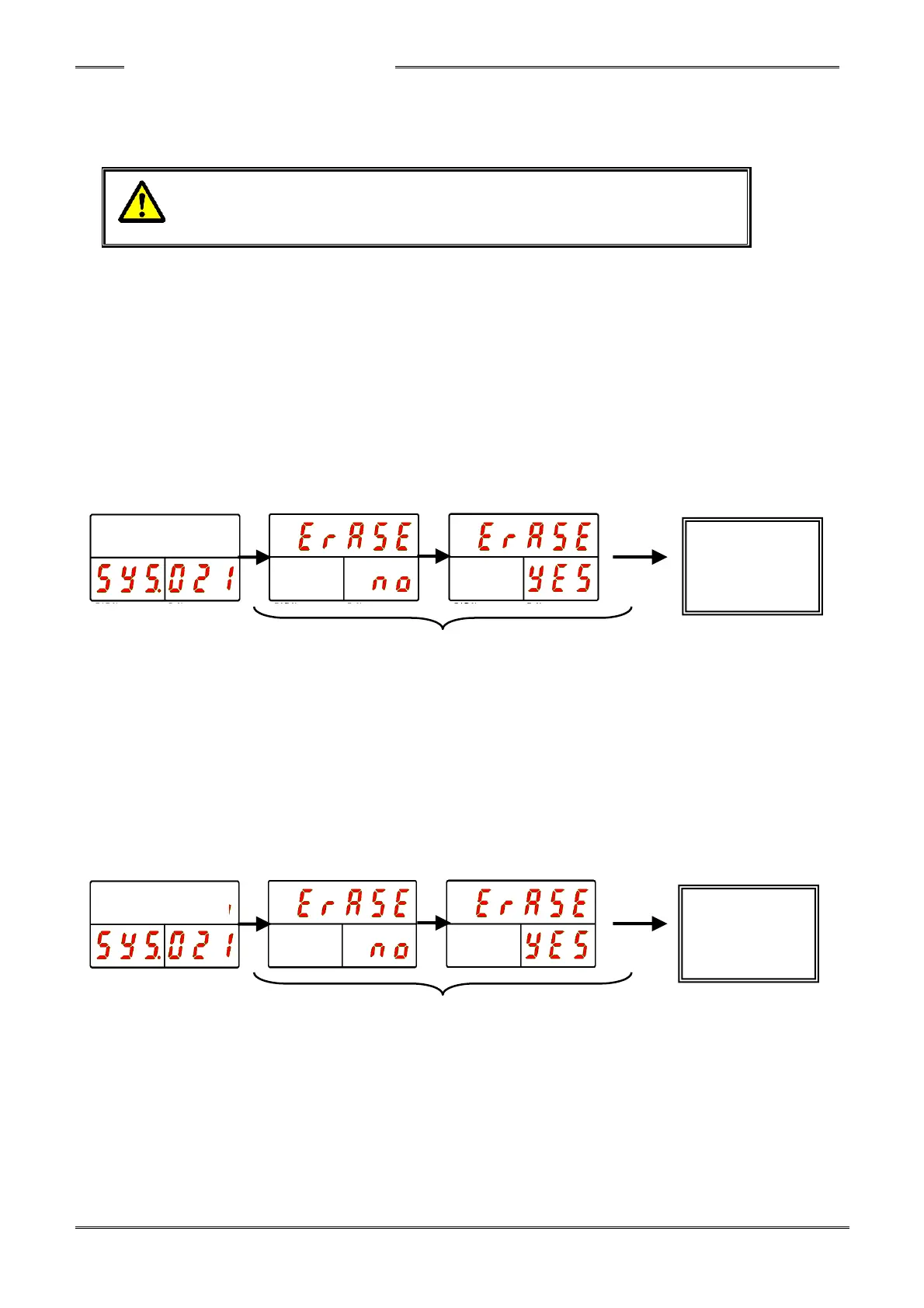
●Fastening Result Record Erasing Operation Procedure
1. Operate the arrow pushbuttons to display “Erase” with “SYS” indicated in the PAR No. display and
“021” indicated in the D-No. display.
2. Press and hold the PROG button of the Controller until the "021" blinks.
3. Press the [▲] or [▼] pushbutton to select “Single” as the type of result history to be erased and
then press the [SET] pushbutton.
4. Press the [▲] or [▼] pushbutton to change the indication from “Erase NO” to “Erase YES” within 2
seconds, and then press the [SET] pushbutton within 2 seconds.
5. When the data is being erased, “ErASE” in the DATA Display flashes for a few seconds and the
flashing stops when the erasure is completed.
●CF Card Formatting Operation
1. Operate the arrow pushbuttons to display “Erase” with “SYS” indicated in the PAR No. display and
“021” indicated in the D-No. display.
2. Press and hold the PROG button of the Controller until the "021" blinks.
3. Press the [▲] or [▼] button to select “CF” and then press “SET.”
4. Press the [▲] or [▼] pushbutton to change the indication from “Erase NO” to “Erase YES” within 2
seconds, and then press the [SET] pushbutton within 2 seconds.
5. When the formatting of the CF card is started, “ForMAT” in the DATA Display flashes for a few
seconds.
6. If formatting succeeds, “SuccES” is indicated in the DATA Display for 3 seconds (CF ACCESS
lights up in green).
7. If formatting fails, “FAILEd” is indicated in the DATA Display for 3 seconds (CF ACCESS lights up
in red).



 To Next Page