Chapter 8: Diagnostic and Repair Procedures
8-19
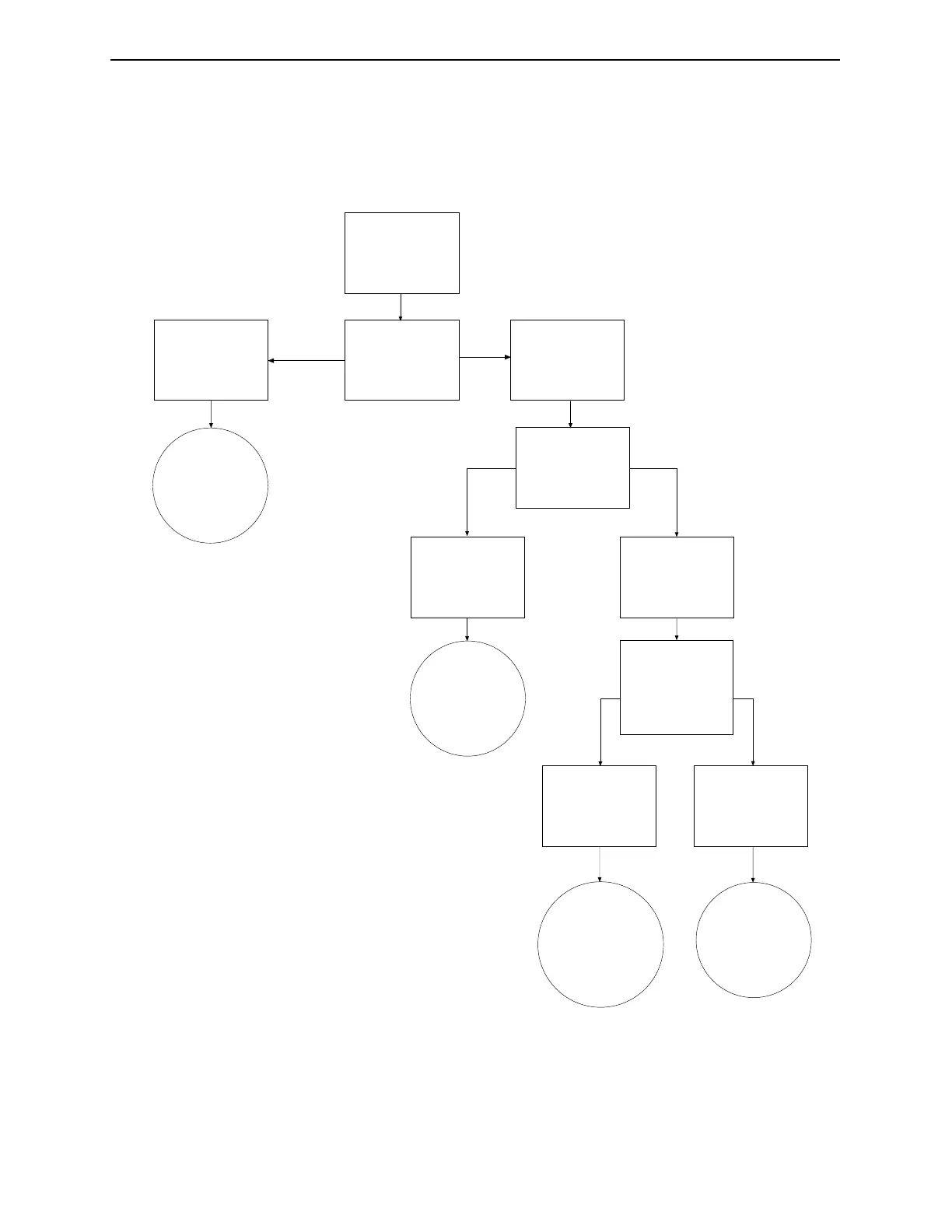
X-ray Generator Troubleshooting Flowchart
Figure 8-2. Interpreting the X-ray Generator Diagnostic LEDs.
Green = On
Yellow = Off
Red = Off
Green = On
Yellow = Off
Red = On
Verify X-ray
Status is
turned on.
Generator is
functioning
properly.
1
2
Signal is
received.
Signal
is not
received.
Check enable
signal. See Verify
the Enable Signal
at PX1.
Generator is
malfunctioning.
See How to
Replace the
Generator.
Check enable
signal at TB4-13.
See Verify the
Enable Signal at
TB4-13.
Signal is
received.
Signal
is not
received.
Connector
PX-1 not seated or
signal cable is
faulty. Replace the
signal cable.
CPU is faulty.
Replace CPU
No change
in LEDs.
Note: If the yellow LED is on, a generator
malfunction has occurred and the
generator should be replaced.
Industrial Dynamics Company, Ltd. © Form 40256-0600



 To Next Page