Chapter 3: Installing the FT-70
3-5
Installing the FT-70 Inspection System
To install your FT-70 Inspection System into your production
environment you must do the following:
• Determine the proper location for the FT-70 and the rejector.
• Prepare the conveyor.
• Mount the FT-70 on your production line.
• Install the High Resolution Encoder (variable speed lines only).
• Mount the rejector on your production line.
• Wire the main power to the FT-70.
After you physically install the FT-70 and the rejector you can
proceed to Chapter 4 for instructions on how to configure the
FT-70 and rejector to function with your production line.
Instructions for installing the rejector are contained within the
rejector manual. You should install the rejector after you have
installed the FT-70.
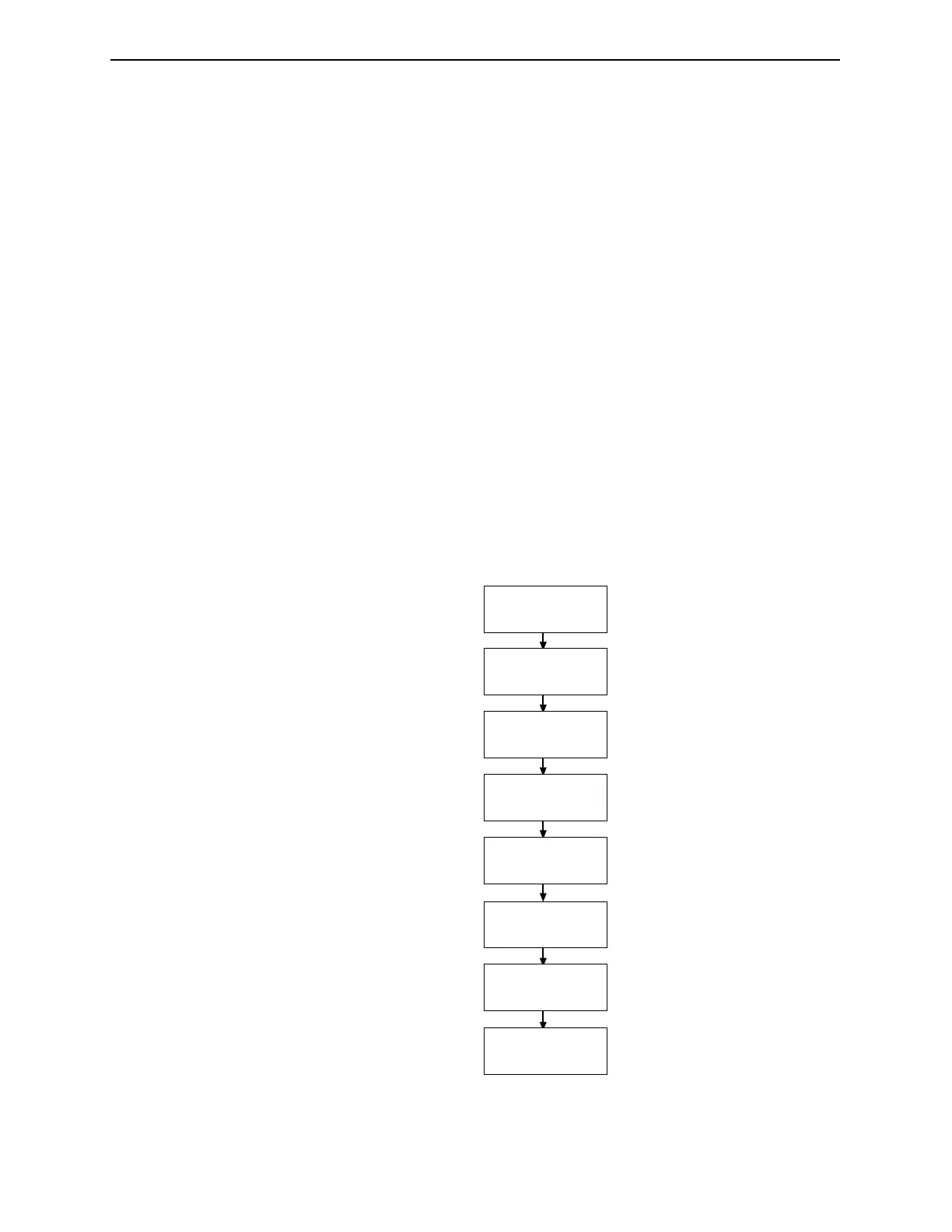
Figure 3-2. FT-70 Inspection System installation flow chart.
Determine the
mounting locaton for
FT-70 and rejector.
Prepare the conveyor
to install the FT-70.
Assemble the FT-70
floor stand.
Mount the FT-70
inspection head.
Install the encoder.
(If applicable)
Mount the rejector.
Prepare the conveyor
to install the rejector.
Wire the main power
source to the FT-70.
Industrial Dynamics Company, Ltd. © Form 40256-0600



 To Next Page