Chapter 8: Diagnostic and Repair Procedures
8-21
How to Replace the X-ray Generator
1. Shut down the main power to the FT-70 and remove the
FT-70’s cover to gain access to the inside of the unit.
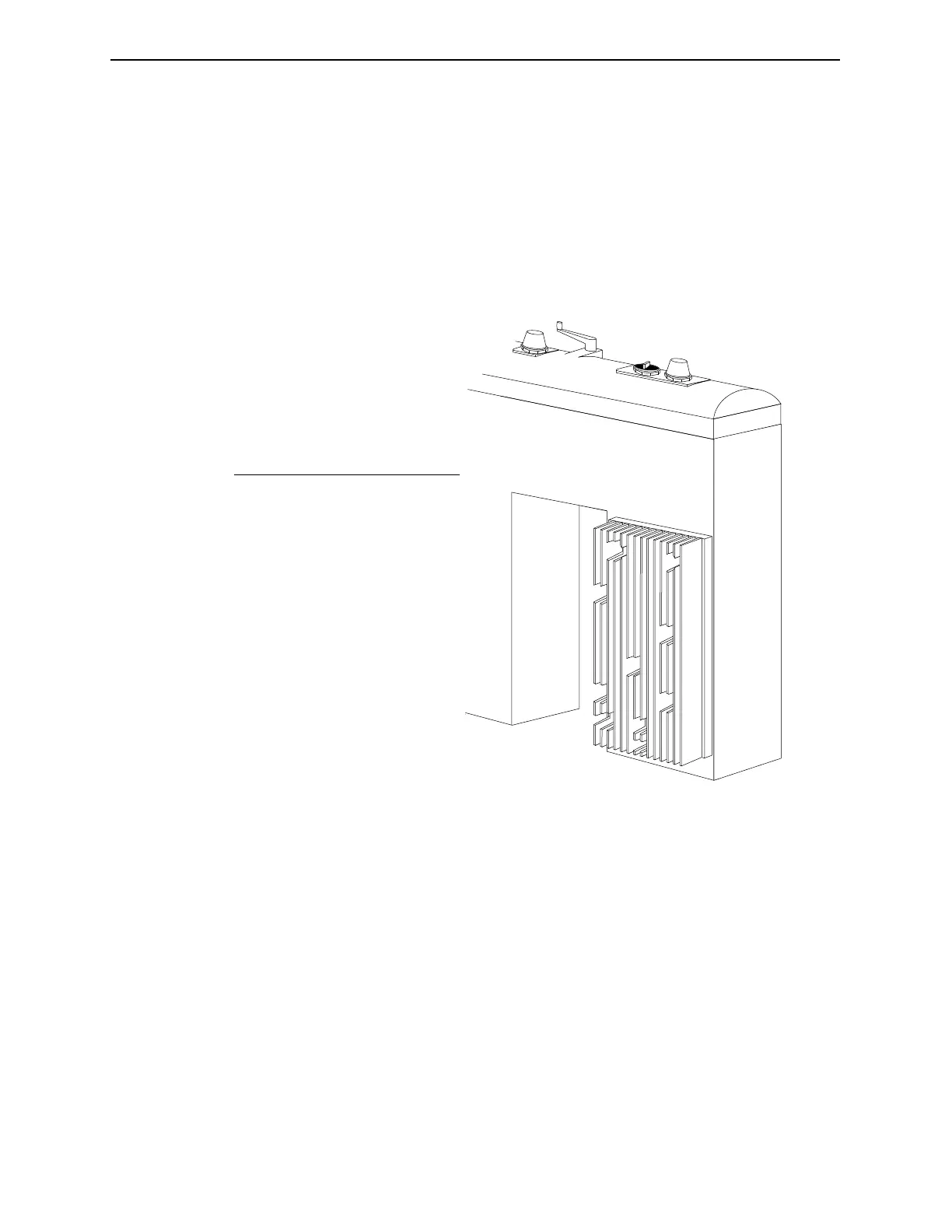
2. Remove the eight securing screws (indicated with an x in the
following drawing) that pass through the heat sink and secure
the x-ray generator to the chassis.
Figure 8-3. Remove the x-ray generator securing screws.
x
x
x
x
x
x
x
x
No. Description
1 Heat Plate
X Generator Securing
Screws (8 total)
Industrial Dynamics Company, Ltd. © Form 40256-0600



 To Next Page