User Manual NTU Orion 2
102
9. Select Call in the “Call” menu. (If the menu is not available, the connection is established
automatically. Go to item 10.)
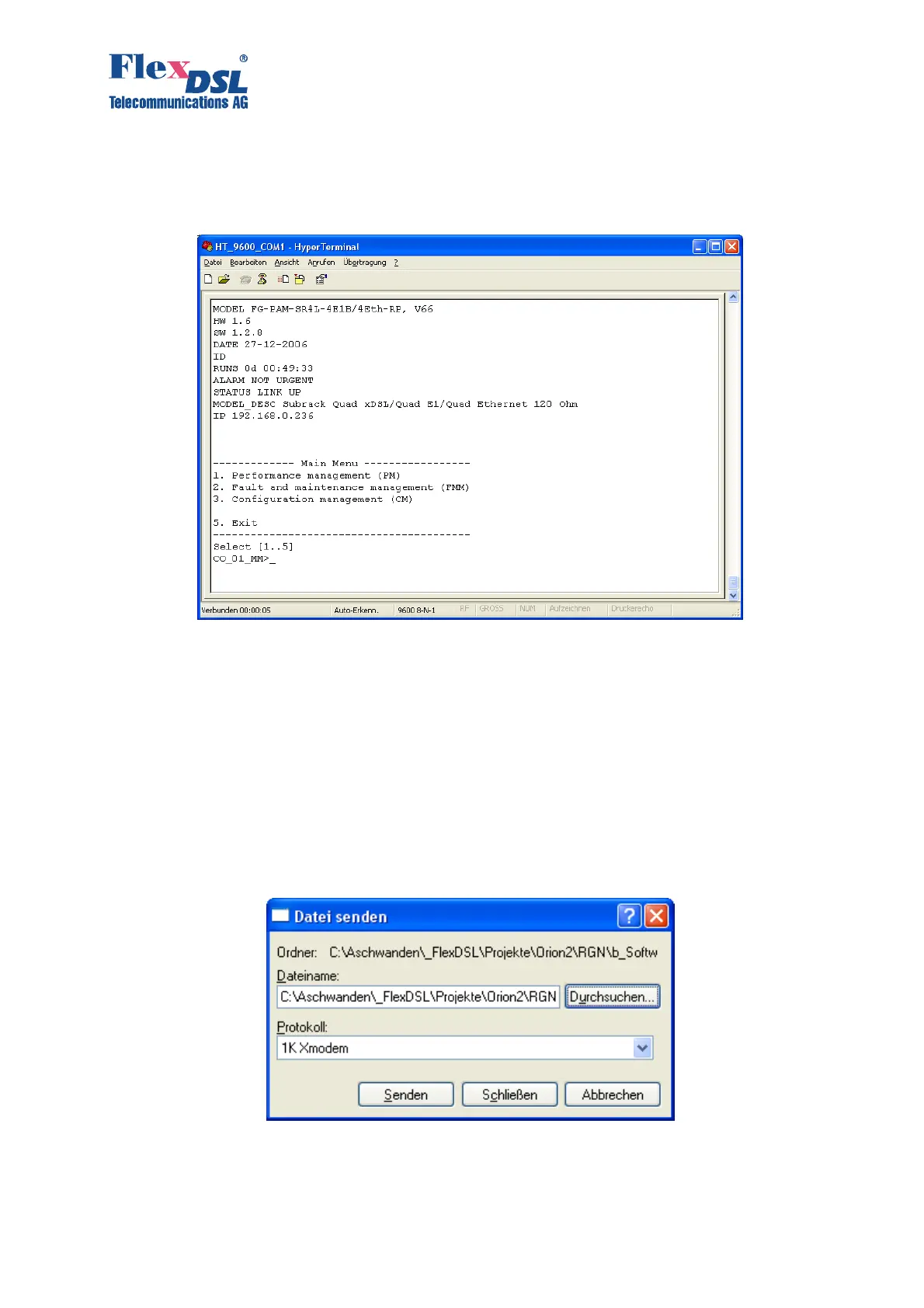
10. Input %XX, where XX is the slot number in the shelf. The main menu of the device is
displayed.
11. Enter the «Fault and maintenance management» menu.
12. Enter the <SOFTUPDATE> command.
CO_09_FMM>SOFTUPDATE
Flash manufacturer: Silicon Storage Technology(SST)
Flash device: SST39LF/VF016
Start address: 0x1000000
Flash size: 2048 KB
Now upload program via XModem or 1K XModem
C
After typing SOFTUPDATE, the device tries to establish connection over the 1K-Xmodem
protocol within 60 seconds.
13. The time counter is started. Select Send File in the “Transfer” menu.
14. Select 1K-Xmodem in the Protocol drop-down menu of the Send File window. Browse the
app.bin file in the Filename field (the name of the file depends on the software version).
Click Send. The HyperTerminal starts downloading the file. After the downloading is



 To Next Page