User Manual NTU Orion 2
34
3.3.4 Test loops
To simplify the device start-and-adjustment, the system provides activation of test loops on E1
interfaces or the line interface of the device.
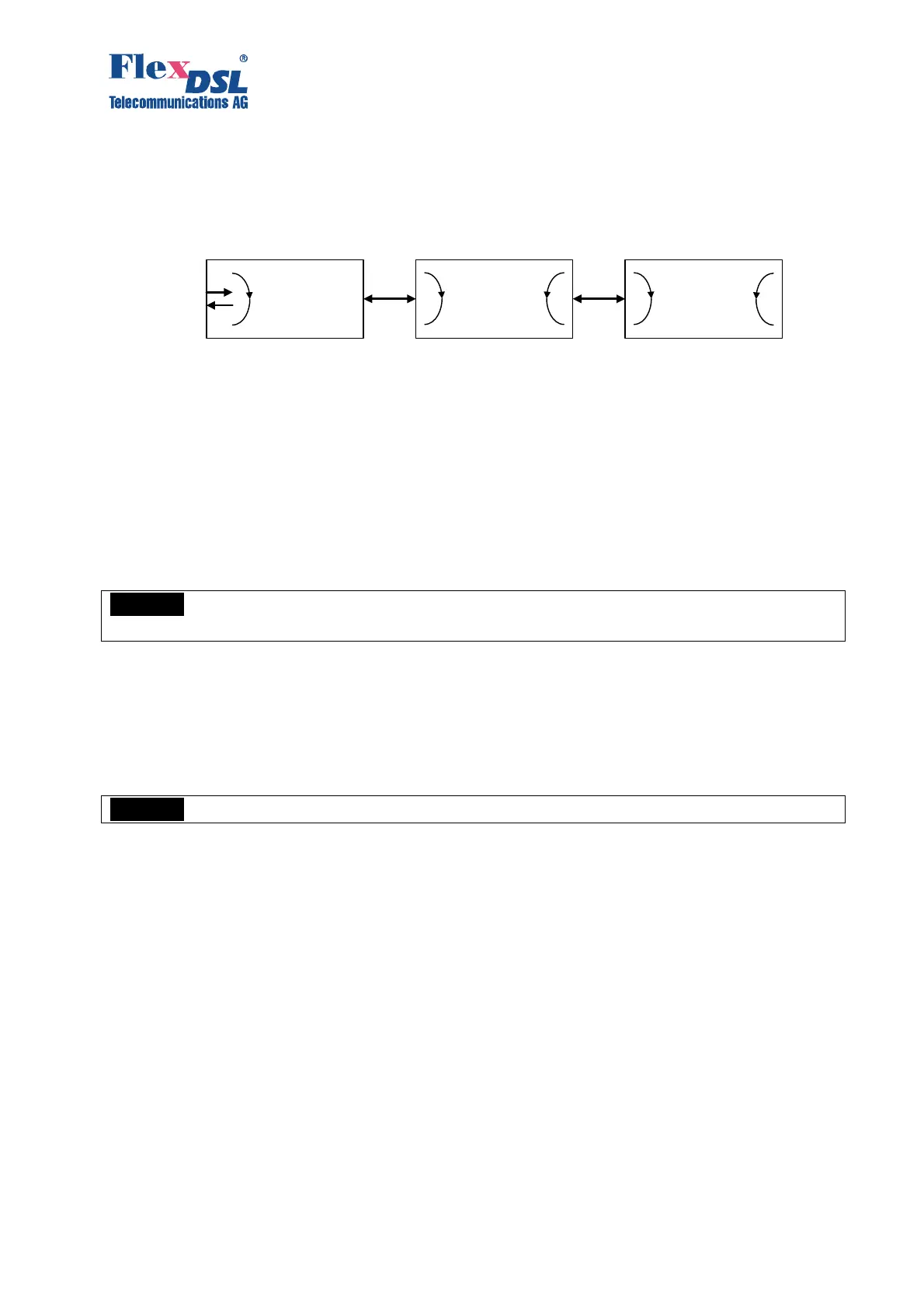
Figure 3.16. Test loops
Test loops can be activated for the Master and Slave devices as well as for the regenerator.
The LOOP1 ON/OFF N command is used to activate/deactivate LOOP1, where N is the number
of the network interface.
LOOP2 M:N, where M is the number of the line interface and N is the number of the
regenerator, can be activated only remotely. This command allows one to activate remotely a
loopback to the device, from which the command was sent. It means that if LOOP2 is activated
remotely by the Master device, the data will be looped back by the Slave device to the Master-
device side, and vice versa.
Warning! When activating LOOP2 under conditions that xDSL is used to transmit Ethernet
data, it is necessary that the device is disconnected from the Ethernet network!
3.3.4.1 Analog Loopback
During the analog loopback test, the xDSL receiver receives the transmitted signal from its own
transmitter.
The analog loopback function is used to test the equipment itself.
Warning! To perform the analog loopback, the cable should be disconnected from the unit!
The STARTAL command is used to activate the analog loopback.
All data of the network interface is looped back according to the configurations of this interface.
The analog loopback causes a non-urgent alarm of the local unit and an urgent alarm of the
remote unit.
Master Regenerator Slave
E1
Interface
E1
Interface
RX
TX
LOOP1 LOOP1LOOP2 1:R LOOP2 1:1 LOOP2 1:1



 To Next Page