User Manual NTU Orion 2
99
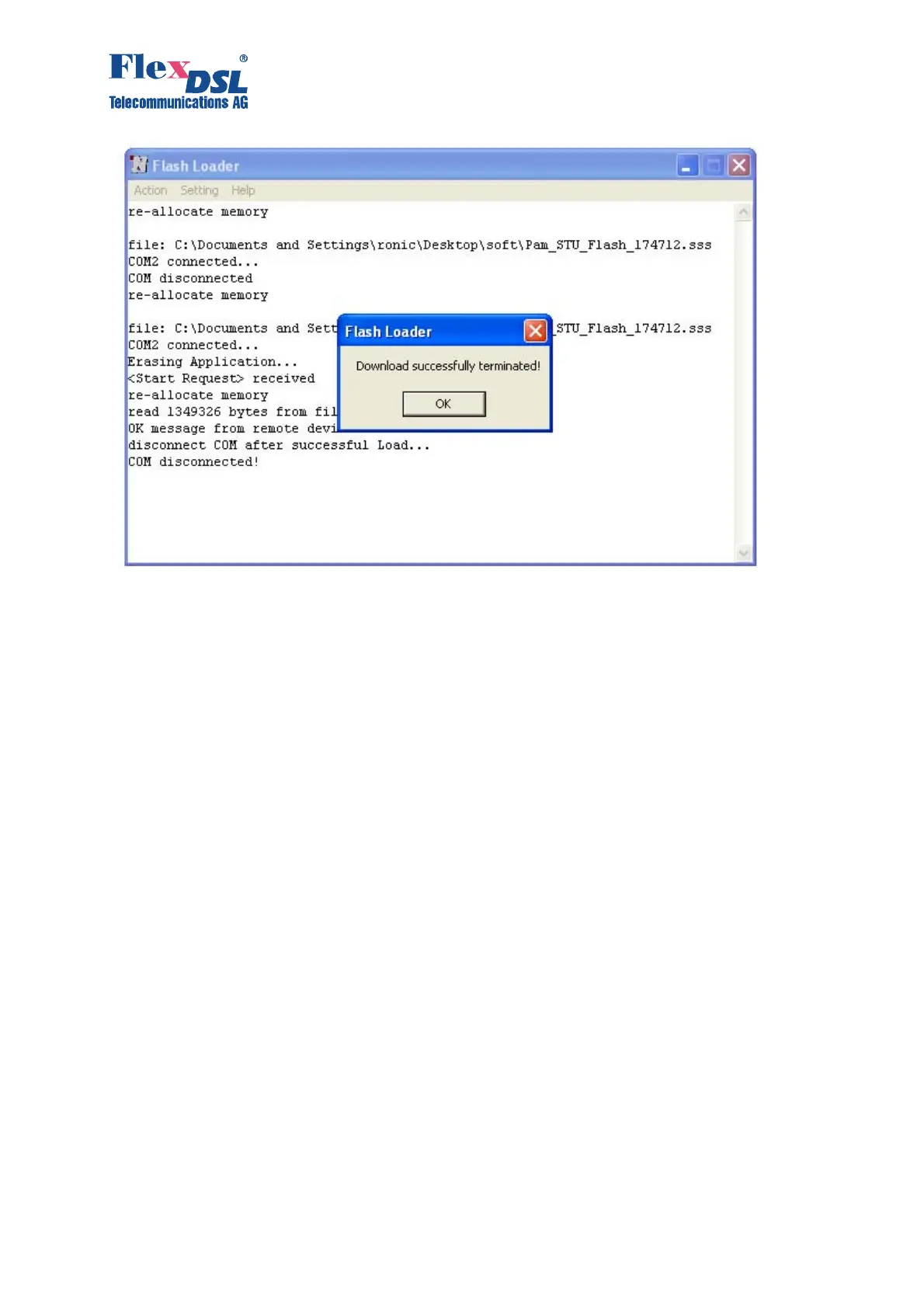
12. Click «Ok».
13. Select «Disconnect COM» in the «Action» menu.
14. Switch off the device being loaded and disconnect it from the PC.
15. Follow items 1, 2, 7 – 15 to load the software into other devices.
5.2 Software loading via the COM port (the 1K-Xmodem protocol)
To download the software to the device, do the following:
1. Switch off the device. Check the value of the voltage in the electrical supply network (~220
V
AC
+/- 10%; 38 72 V
DC
).
2. Connect the Monitor connector of the device with the Com port (RS232) of the PC.
3. Run the Hyper Terminal program (hypertrm.exe).
4. Create a new connection in the Connection Description window. Input the name of the
connection in the “Name” field. Click “OK”.



 To Next Page