User Manual NTU Orion 2
103
completed, the device stores the downloaded file into the memory. After the Send button is
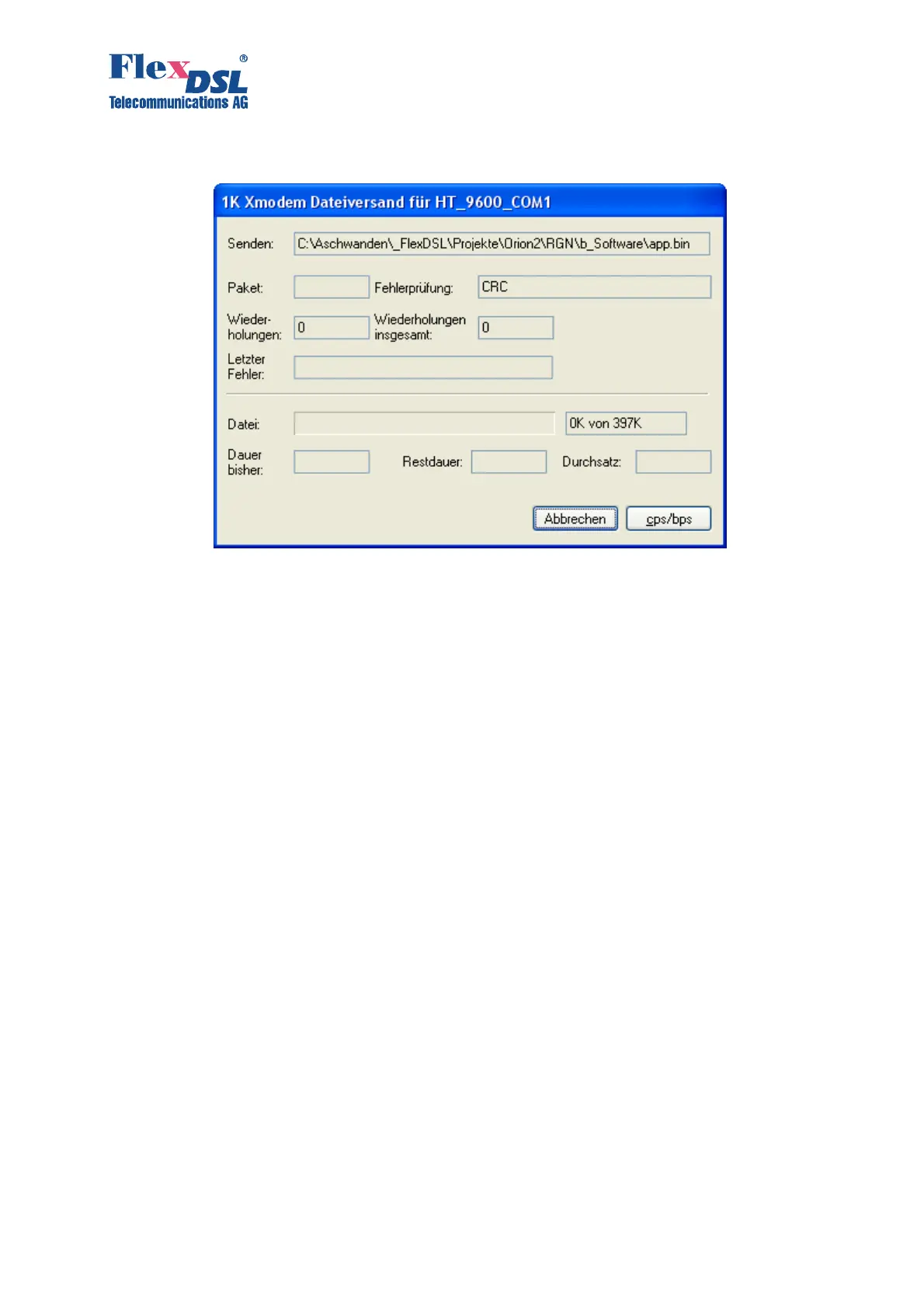
clicked, the “1K-Xmodem file send for…” window pops up.
The window displays the software downloading statistics (the name of the file, the number of
transmitted packets, the error checking method, the last error, the downloading progress, time,
etc.). To cancel downloading, click Cancel.
15. If the software is downloaded, the “1K-Xmodem file send for…” window closes
automatically.
16. After the software is downloaded, input the
<RESET> command in the “Fault and
maintenance management” menu. After it, input again %XX, where XX is the slot number in
the shelf into which the device is installed. The main menu of the device is displayed.
17. Enter the “Fault and maintenance management” menu and input the
<SOFTCONFIRM>
command.
18. The software downloading is completed.
5.3 Software loading via Ethernet (1K-Xmodem and Telnet)
This method of the software downloading is similar to the “Software loading via the COM port
(the 1K-Xmodem protocol)” chapter. Exception is that instead of selecting the number of the
COM port, select TCP/IP Socket. Select 23 for the port number (TELNET). The advantage of
this type of downloading is the high rate of downloading.



 To Next Page