User Manual NTU Orion 2
40
3.5.2.2 WEB
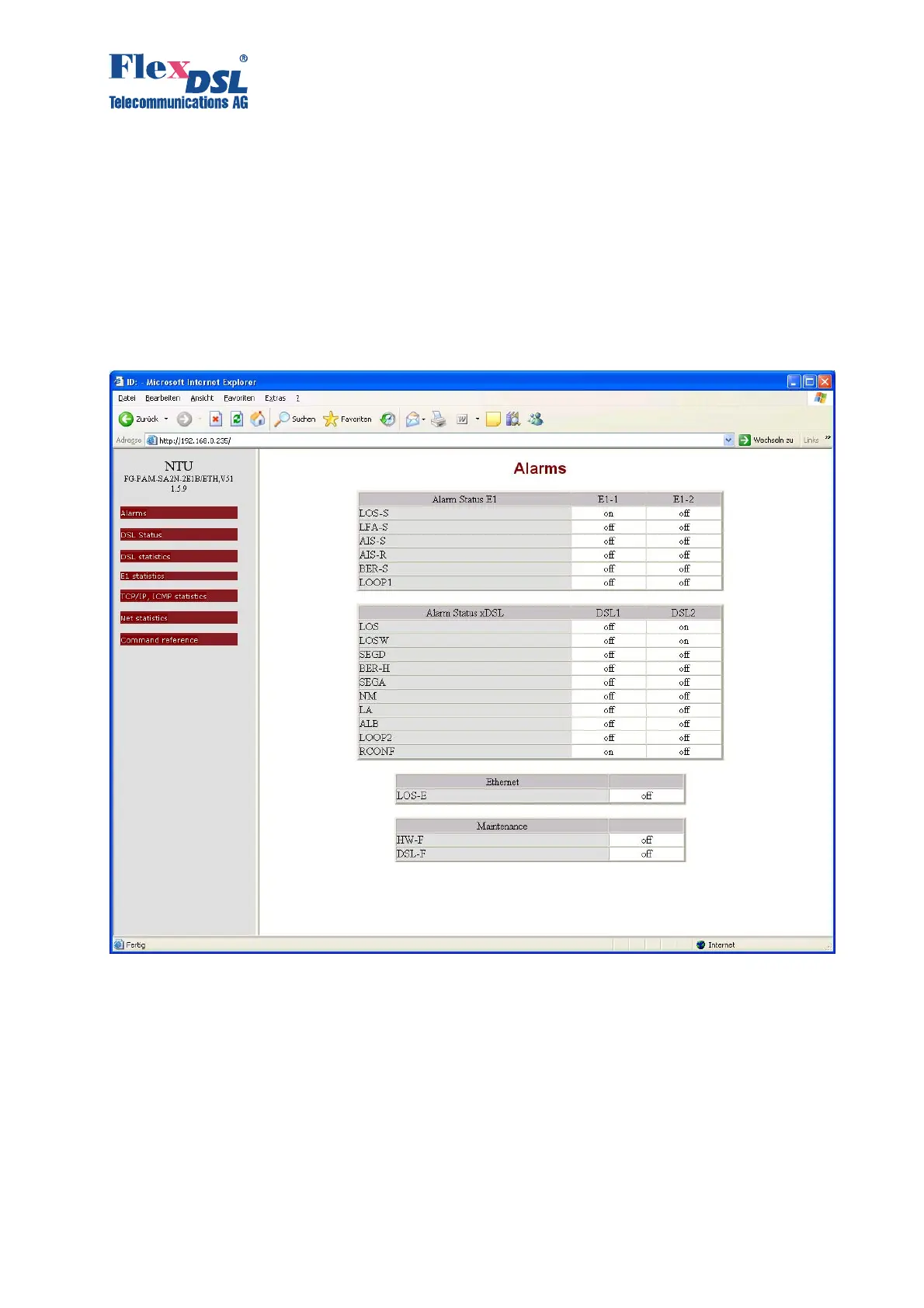
The WEB interface is used to display statistics when the FlexDSL Orion 2 device is connected
to the management computer via the Ethernet interface. Any WEB browser is used to access
the WEB interface of the FlexDSL Orion 2 device (the WEB browser is installed on a user PC
and is used to search and display information in the network). To display the WEB browser, you
should enter
http://X.X.X.X/.
Here, X.X.X.X is the IP-address of the device.
After the connection with the WEB interface is established, the active window of the browser
displays the following statistics:
Figure 3.19 WEB interface – “Table of alarms of the FlexDSL Orion 2 device”.



 To Next Page