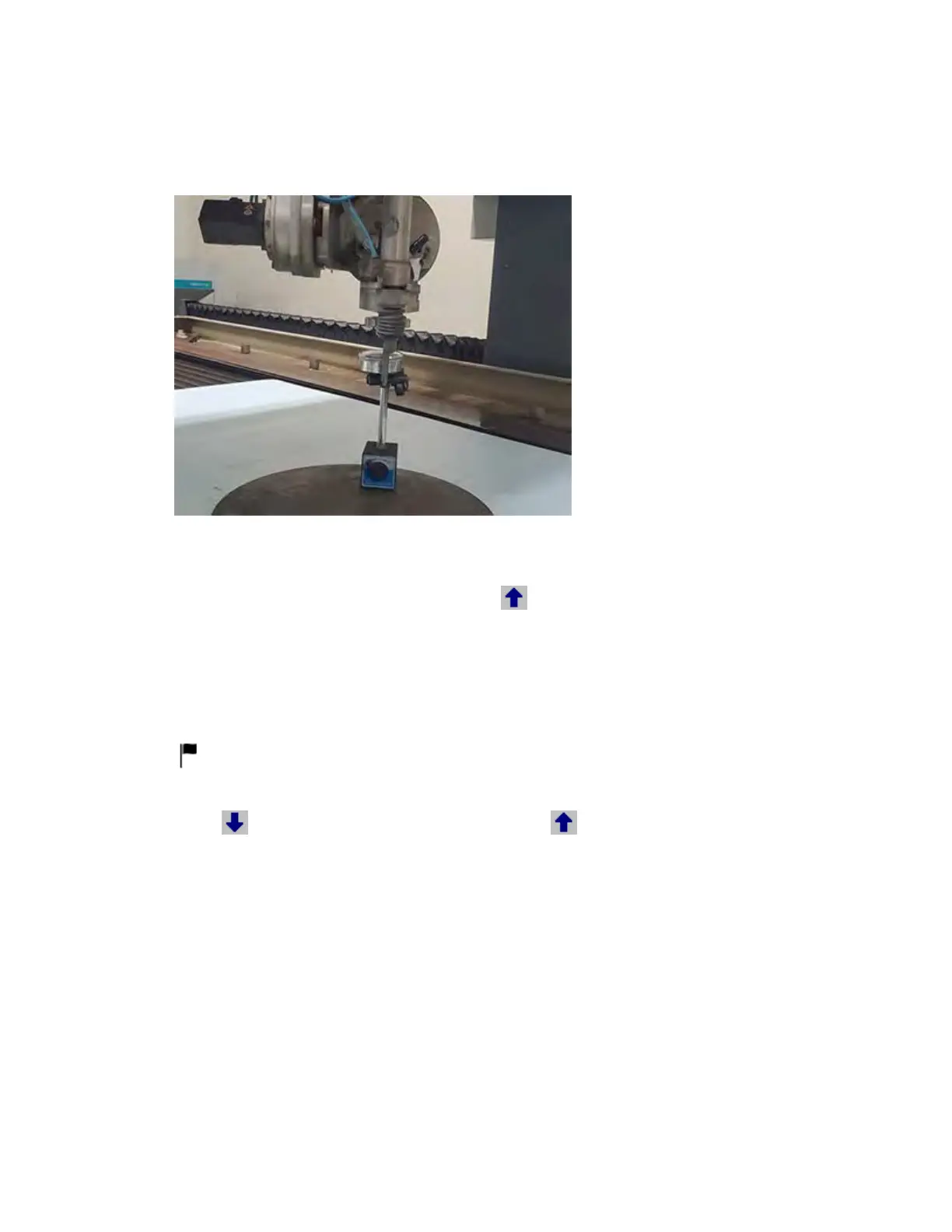
3. Position the indicator tip—parallel to the B-axis motor—on the mixing tube. Make sure it's
directly below the nozzle nut, and then zero the dial gauge.
4. Go to Setup > Dynamic Waterjet > Straightness adjustment and change the Height to 1.5
inches.
5. In the Straightness Adjustment dialog, select .
6. Record the measurement, paying particular attention to whether the value is positive (+) or
negative (–).
◦ If it went clockwise, it is a positive value. If it went counterclockwise, it is a negative value.
7. Under Motor B, enter the value in the Bottom reading box, and then select Apply—the dial
indicator should go to zero or just past it.
Remember to enter the minus sign (–) if it's a negative value. You don't have to enter a
positive sign (+) for a positive value.
8. Select
. Zero the dial gauge again, and then select . If the indicator moved more than
0.001 inches, repeat steps 5–8 until successful.
© 2021 Flow International Corp.
Retrieved from Flow KB on April 19, 2021 PST
Calibrations and alignments



 To Next Page