DSX-600 CableAnalyzer
Technical Reference Handbook
20
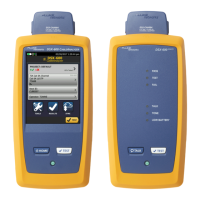
When you zoom a plot, horizontal and vertical zoom controls
show on the screen. These controls let you change the
magnification on the distance and decibels scales independently.
You can zoom in to a maximum magnification factor of 128:1.
On screens that show a plot, you can drag the measurement
cursor.
To clean the touchscreen
Turn off the tester, then use a soft, lint-free cloth that is moist
with a mild detergent.
WCaution
When you clean the touchscreen, do not let liquid
get under the plastic around the touchscreen.









 To Next Page