19
5-3. Web GUI
5-3-1. Information
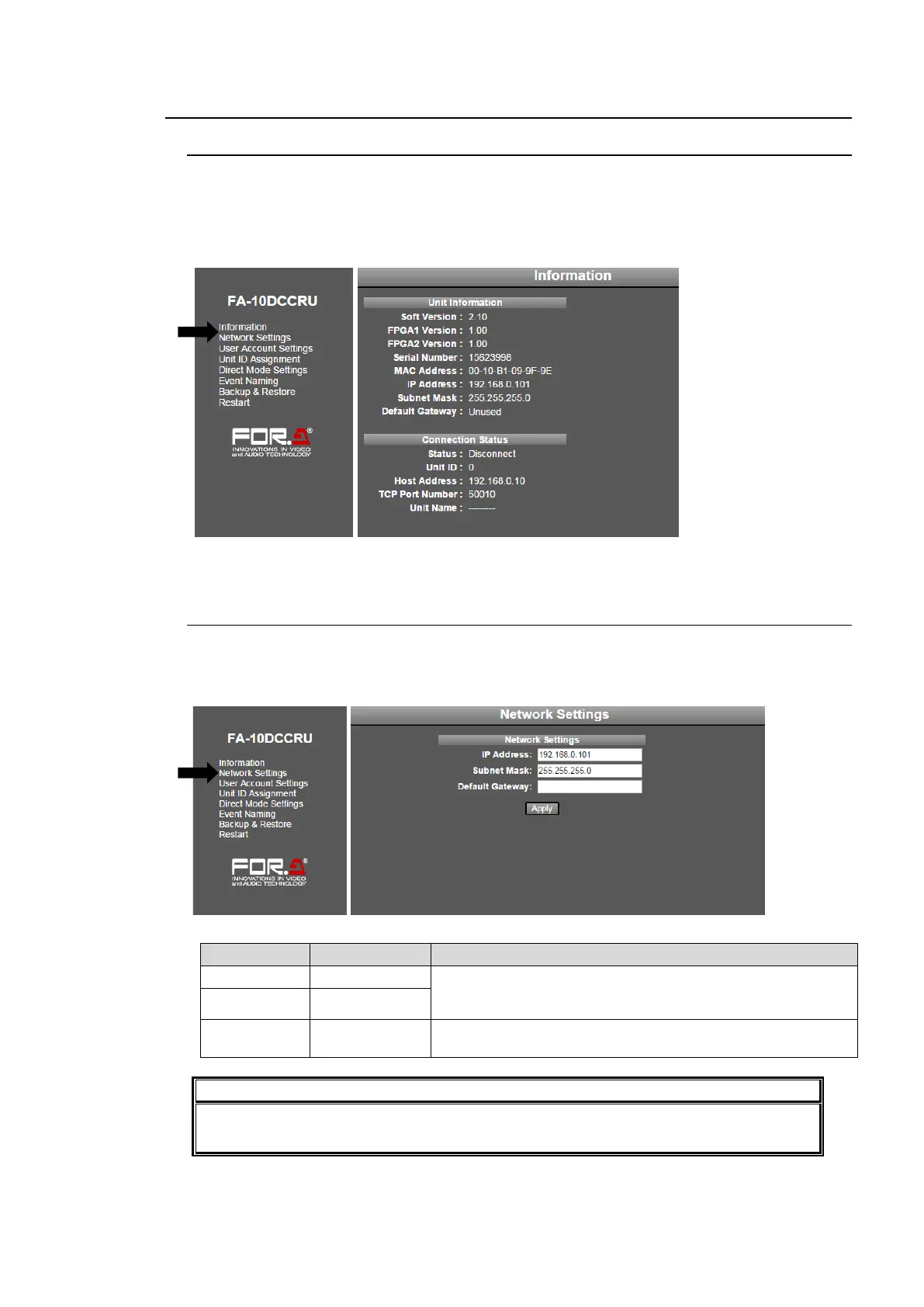
Click Information in the left pane to display the Information page, in which Unit Information
and Connection Status details of the FA-10DCCRU are displayed.
FA-10DCCRU version, serial number and network setting details
Main Unit information
Click Refresh to refresh the page.
5-3-2. Network Settings
In the left pane of the Web GUI, clicking Network Settings displays the Network Settings
page in the right pane, in which FA-10DCCRU network settings are entered. After settings
are complete, click Apply to apply them.
Allows you to set the FA-10DCCRU IP address and subnet
mask. Set a unique IP address and connect to a LAN
network.
This setting is not required. Set the Default Gateway
address according to your network circumstances.
Network Settings are applied after the FA-10DCCRU restarts. See section 5-3-8.
“System Restart.”



 To Next Page