49
9. Information Display
While setting up the FA-10DCCRU, relevant information is displayed on the 8-digit display in two
modes (Full and Simple). The following Information Display lists show when these information
messages are displayed.
Full: Displays information or message in detailed format. Note that while setting menu items,
information is displayed in Simple mode and about 2 seconds after entering a setting, it is displayed
in Full mode.
Simple: Displays information or message in short format.
* To change the display mode, set under ④ Display Mode (See section 8. “SYSTEM Settings.”)
9-1. Messages during Main Unit Connection
(**: Setting values)
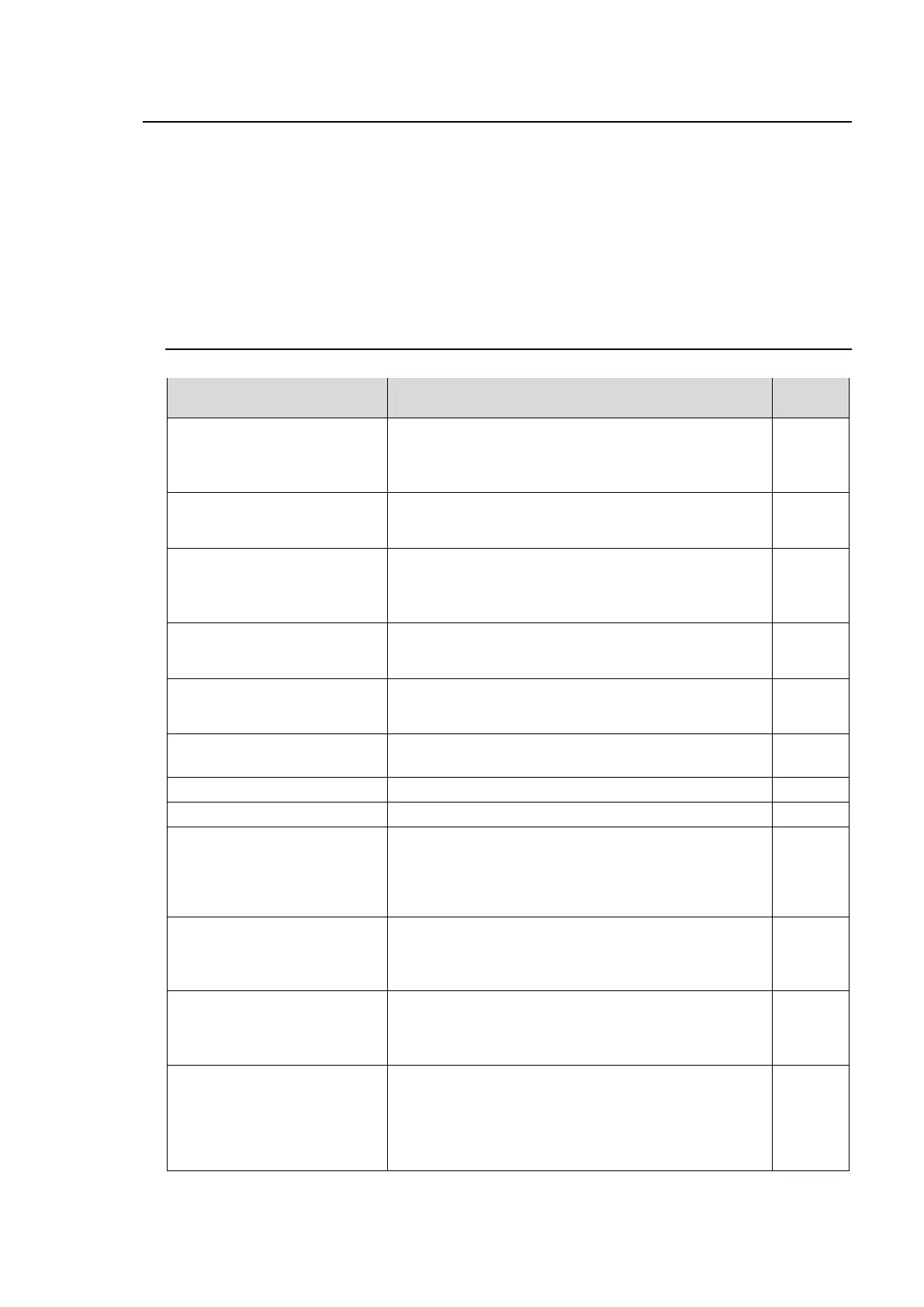
Displayed message
(Full / Simple)
When information/message is displayed:
Please Choose Direct MU No
FA-10DCCRU is in Direct Connection mode, but no
main unit is selected.
Connect to a main unit using 1-5, 6-10, 11-15 or 16-20
button.
When FA-10DCCRU is connected to a main unit in
Unit ID Connection mode, its Unit ID number is
displayed.
FA-10DCCRU is in Unit ID Connection mode, but no
main unit is connected.
It is also displayed while trying to connect to a main
unit.
ID**: No IP Address Assigned
FA-10DCCRU is trying to connect to a main unit in
Unit ID Connection mode, but no IP address has been
set for the specified Unit ID number.
When FA-10DCCRU is connected to a main unit in
Unit ID Connection mode and no Unit Name is set for
the main unit, its IP address is displayed.
When FA-10DCCRU is connected with a main unit, its
Unit Name is displayed.
While changing the connection mode to Direct.
While changing the connection mode to Unit ID.
FA-10DCCRU is trying to connect to a main unit in
Direct Connection mode by pressing a number button
(1-5, 6-10, 11-15 or 16-20), but no IP address has
been set for the specified MU ID number.
Set an IP address for the MU ID (Unit ID) number.
FA-10DCCRU is connecting to a main unit in Direct
Connection mode.
If the connection time is too short, the message may
not appear.
FA-10DCCRU is connecting to a main unit in Unit ID
Connection mode.
If connection time is too short, the message may not
appear.
No Connection Established
When the FA-10DCCRU fails to connect to a main
unit, the message and specified main unit IP address
are displayed.
Verify the network connection and settings.
Note that the FA-10DCCRU will attempt to connect to
the main unit while the message is being displayed.



 To Next Page