64
10-2-8. Exporting GPI Settings to Files
GPI settings can be backed up to and loaded from files in the computer.
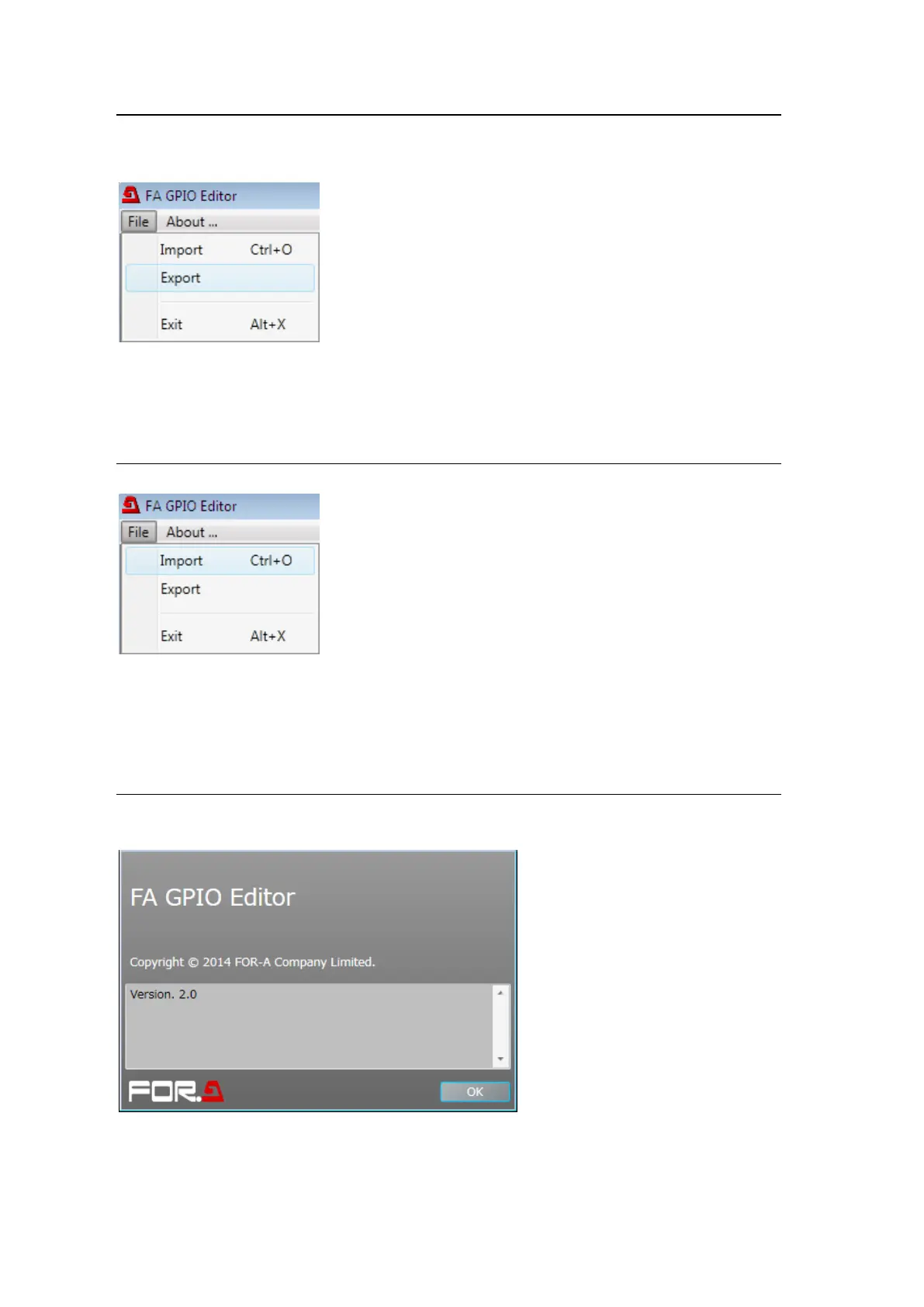
Select File > Export in the menu bar.
Specify a file name and location to save the settings. The default file name is FA-10DCCRU
GPIO.csv. Change the file name, as needed, then click OK.
10-2-9. Importing GPI Settings from Files
Select File > Import in the menu bar.
Specify the file name and location.
Verify settings in the FA GPIO Editor, then click Apply to send the settings to the
FA-10DCCRU unit. (See section 10-2-6. “Sending GPI Settings.”)
10-2-10. Verifying GPIO Editor Version
Click Version Information in the menu bar.
A window as shown below will appear.
To close the window, click OK.



 To Next Page