58
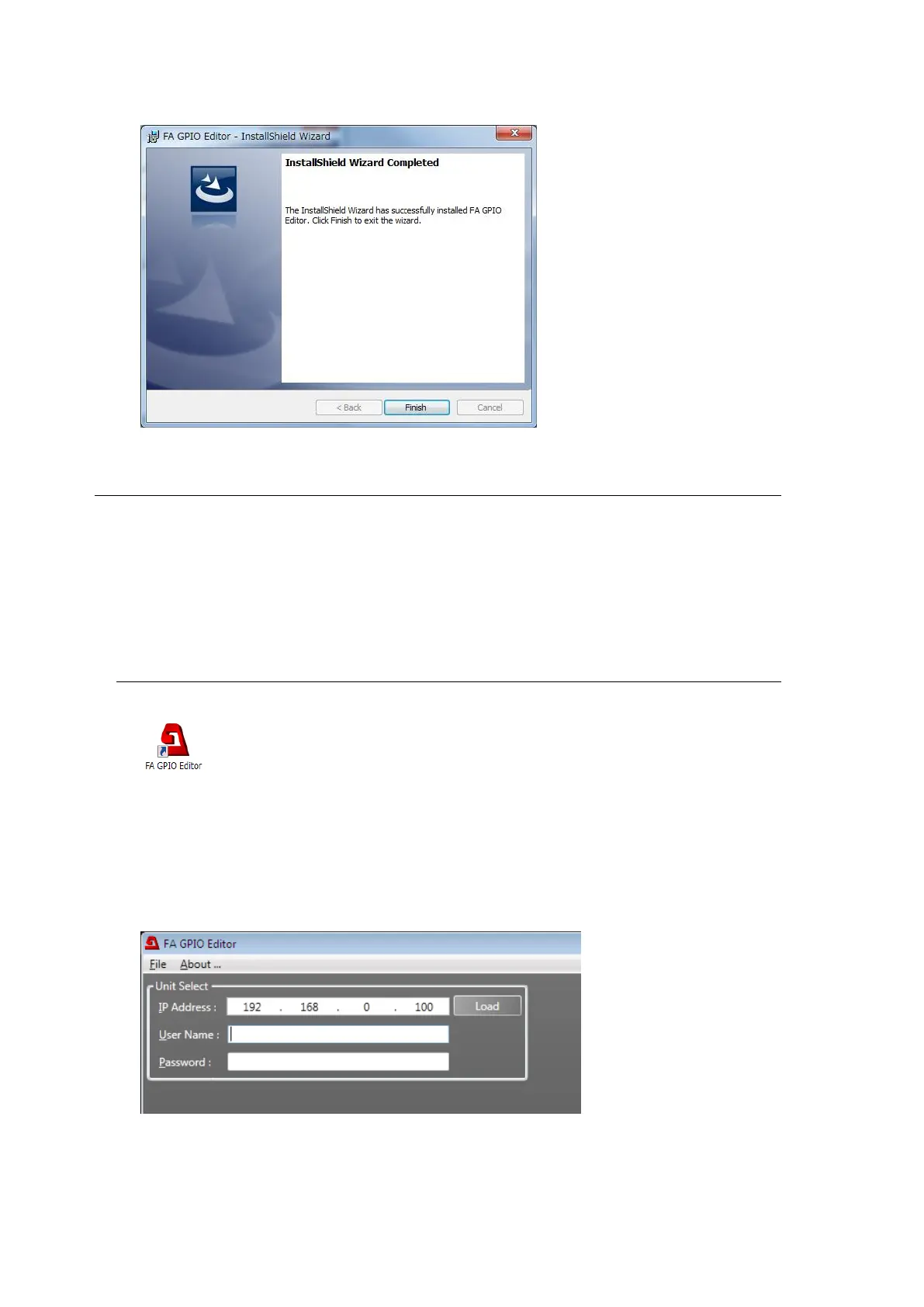
(7) When the software installation is complete, the window as shown below will appear.
Click Finish to finish the installation.
10-2. About the FA GPIO Editor
GPI input /output functions can be assigned to 30 GPI ports (GPI 1-3 connectors) on the
FA-10DCCRU using the supplied FA GPIO Editor software.
GPI assignments are very flexible: an input or output or both can be assigned to a port, GPI
pulse signals can be output inversely and assignments can be performed individually or in
groups using Pattern Load.
In addition, GPI settings can be backed up to and restored from files using Export and Import.
10-2-1. Connecting FA GPIO Editor to the FA-10DCCRU
(1) Click the FA GPIO Editor shortcut icon on the desktop to start FA GPIO Editor.
(2) When the software window appears, enter the FA-10DCCRU IP address, user name and
password. Click Load.
< Default FA-10DCCRU settings>
IP address: 192.168.0.101
User name: fa10dccru
Password: foranetwork



 To Next Page