55
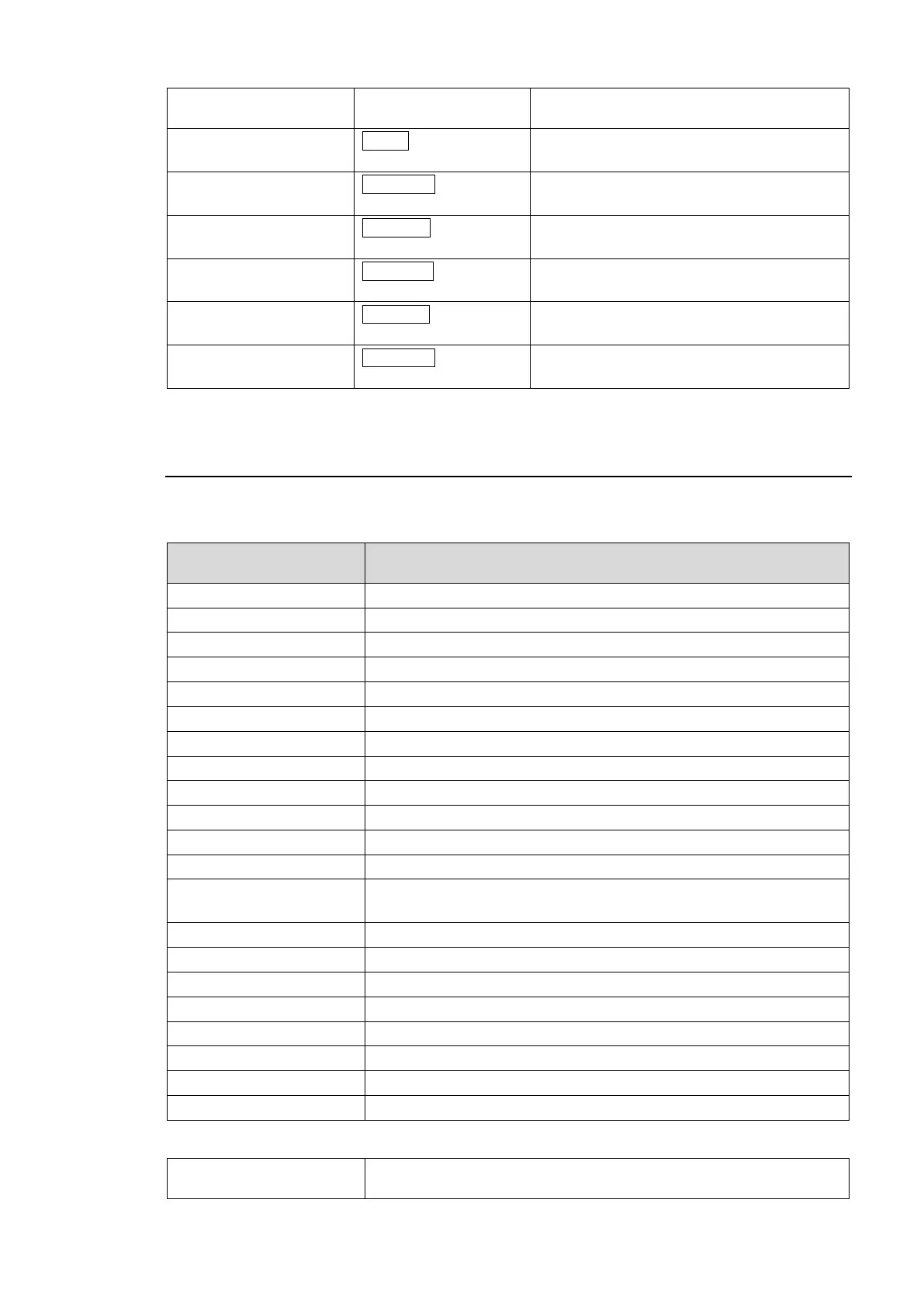
Displayed when Video Clip Mode is set to
RGB.
Displayed when Video Clip Mode is set to
YPbPr.
Displayed when the RGB White Clip Level
setting is changed.
Displayed when the RGB Black Clip Level
setting is changed.
Displayed when the Y White Clip Level
setting is changed in YPbPr mode.
Displayed when the Y Black Clip Level
setting is changed in YPbPr mode.
Displayed when the Chroma Clip Level
setting is changed in YPbPr mode.
The display is automatically turned off when there is no operation within 1 minute.
9-10. Messages during System Settings
Text in parentheses are displayed during menu settings.
See section 8. “System Settings” for more details.
Displayed message
(Full / Simple)
When information/message is displayed:
Displayed while Unity Mode is being set to Unlinked.
Displayed while Unity Mode is being set to Linked.
Displayed while Front Buzzer is being enabled.
Displayed while Front Buzzer is being disabled.
Displayed while GPI Buzzer is being enabled.
Displayed while GPI Buzzer is being disabled.
Displayed while Display Mode is being set to Full.
Displayed while Display Mode is being set to Simple.
Displayed while Brightness is being changed.
Displayed when entering the GPI1 Brightness setting.
Displayed when entering the GPI2 Brightness setting.
Displayed when entering the GPI3 Brightness setting.
Displayed while a GPI OUT LED Brightness is being changed.
IP address of FA-10DCCRU.
Subnet mask of FA-10DCCRU
Default gateway of FA-10DCCRU
Displayed when the FA-10DCCRU FAN is functioning normally.
Displayed when the FA-10DCCRU FAN has stopped.
Software version of FA-10DCCRU
FPGA1 version of FA-10DCCRU
FPGA2 version of FA-10DCCRU
Other
Displayed when resetting to factory default settings.
See section 12. ”Resetting to Factory Default Settings.”



 To Next Page