40
6-10-3. Color Space Setting
The Color Space menu is supported in FA-505 Software Version 2.00 and later.
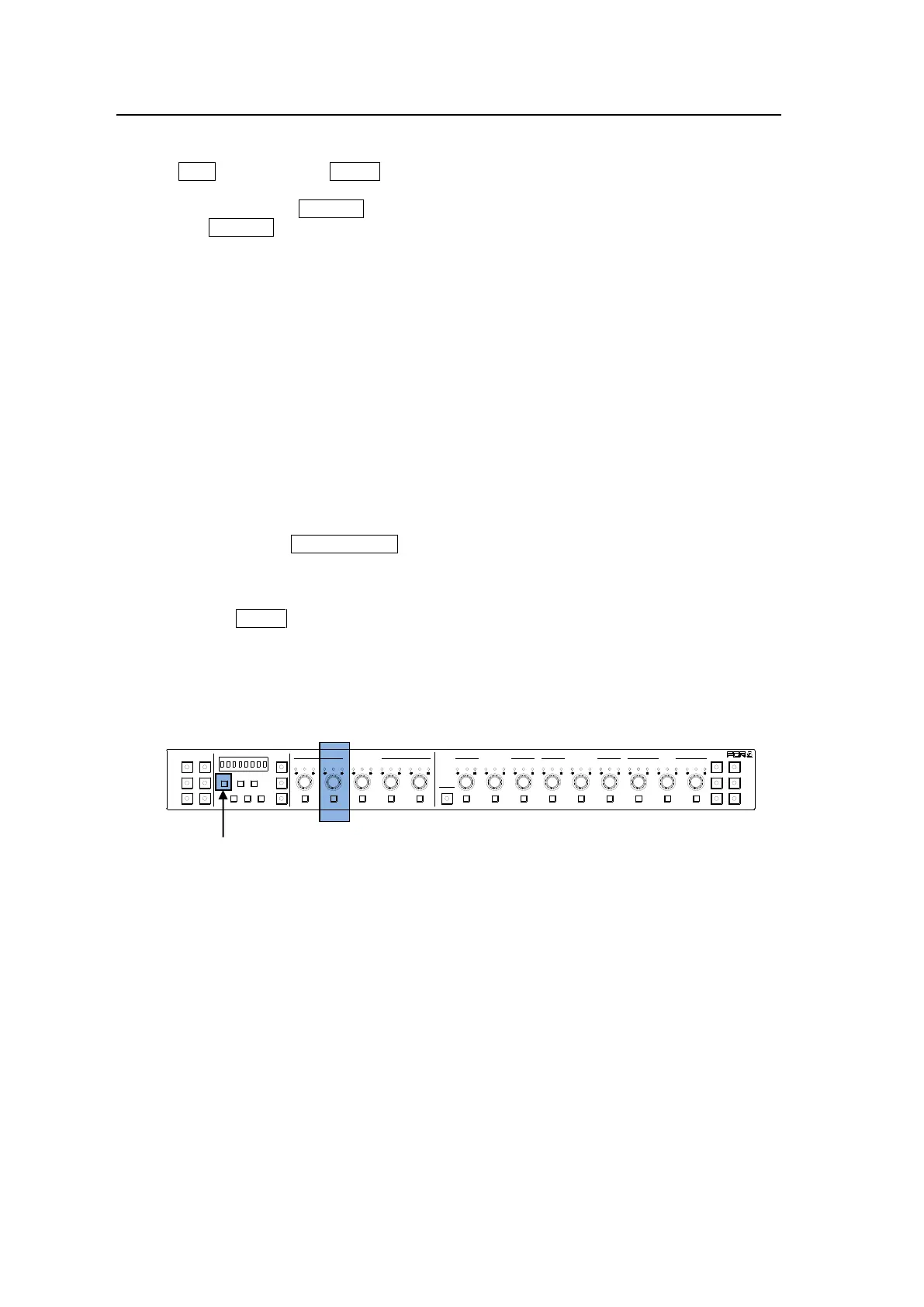
(1) With CLIP flashing, press SEPIA on the right end of the front panel.
(2) Repeatedly pressing SELECT displays items one after another in the following order.
Pressing SELECT while Gamma Range is selected jumps back to the top.
① EOTF
↓
② In Color Space
↓
③ OETF
↓
④ Out Color Space
↓
⑤ ST 2084 (PQ) Range
↓
⑥ Dynamic Range
↓
⑦ Gamma Range
↓
① EOTF (Back to the top)
Select an item and turn VIDEO LEVEL to set or adjust the selected item.
(3) Adjust the clip setting while viewing the three indicators above the controls and the value
on the MEMORY/SET display panel. (See “Signal levels and level display” below.)
Pressing the UNITY button below the value resets the clip value to default.
(4) Repeat steps (2) and (3) to enter additional adjustments.
Signal levels and level display
The relationship between indicators, controls, and clip settings are as shown below.
① EOTF* (Input Gamma Curve)
Setting range: By-pass, Rec. ITU-R BT.709, Rec. ITU-R BT.1886,
Hybrid Log Gamma, SMPTE ST 2084, S-Log3, Canon Log2
Default (UNITY): By-pass
* EOTF: Electric Optical Transfer Function
② In Color Space
Setting range: Rec. 709, Rec. 2020
Default (UNITY): Rec. 709
③ OETF* (Output Gamma Curve)
Setting range: By-pass, Rec. ITU-R BT.709, Rec. ITU-R BT.1886,
Hybrid Log Gamma, SMPTE ST 2084, S-Log3, Canon Log2
Default (UNITY): By-pass
* OETF: Optical Electric Transfer Function
1-5 6-10
11-15/UNIT 16-20
BYPS/OP FS SEL
MEMORY/SET
0 1 2 3 4 5 6 7
FREEZE
CLIP
SPLIT
SELECT - +
SAVE LOAD CLEAR
PROCESS CONTROL
VIDEO LEVEL Y LEVEL C LEVEL SETUP/BLUCK HUE
UNITY UNITY UNITY UNITY UNITY
SYSTEM
GRP ADJ
UNITY UNITY UNITY UNITY UNITY UNITY
R G B R G B
WHITE LEVEL BLACK LEVEL
UNITY UNITY UNITY
R G B
GAMMA
WHITE BAL
FA-10DCCRU
CENTER DIF
BLACK SEPIA



 To Next Page