26
5-3-8. System Restart
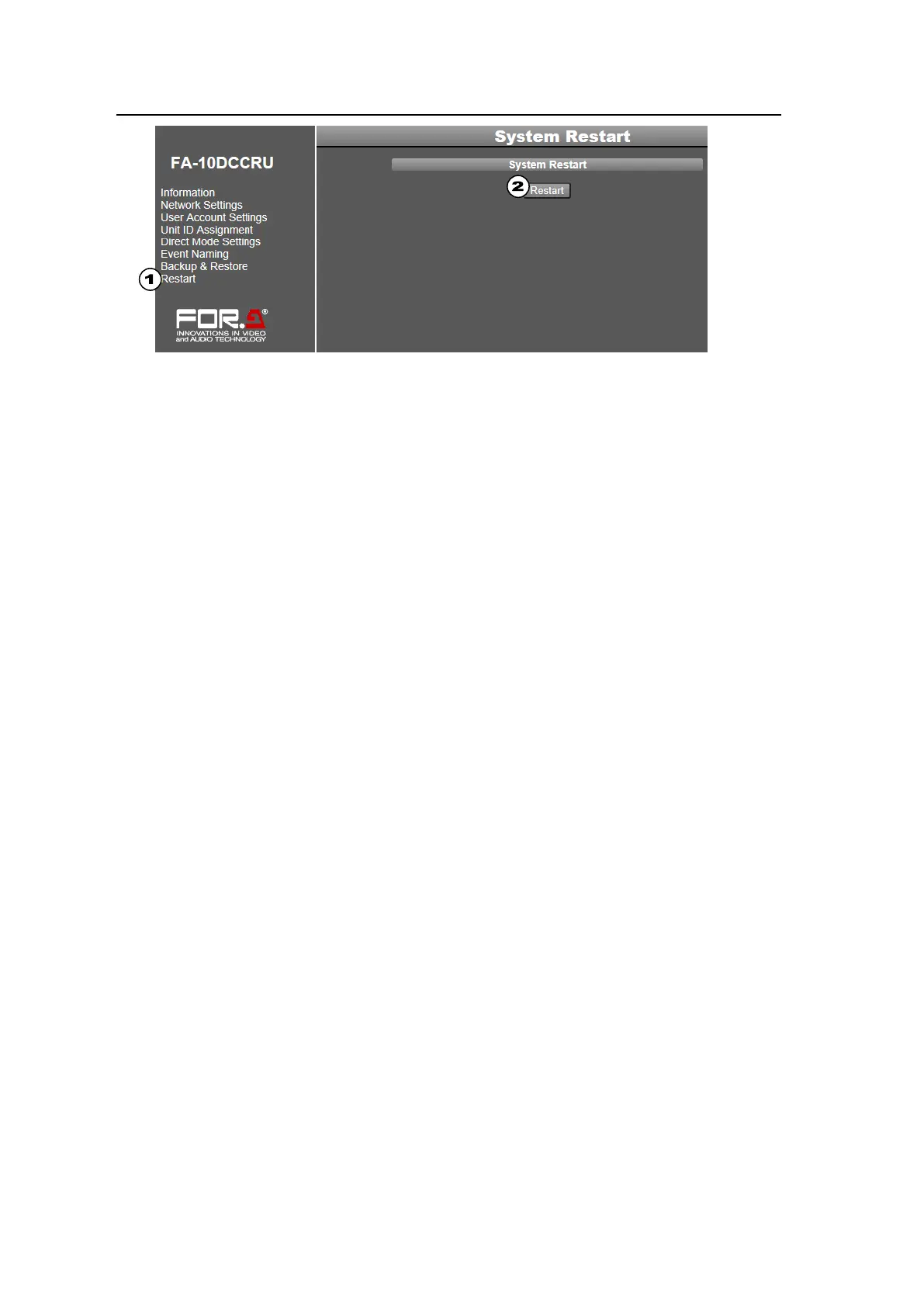
(1) Click Restart in the left pane to display the System Restart page.
(2) Click Restart in the right pane.
(3) A confirmation dialog will appear. Click OK to restart the FA-10DCCRU.
Note that the following settings require a system restart and that they are applied after the
restart. Do not forget to restart the FA-10DCCRU.
Network Settings (See section 5-3-2. “Network Settings.”)
User name or password settings (See section 5-3-3. “User Account Settings.”)
Network Settings from the Backup & Restore page (See section 5-3-6. “Backup &
Restore.”)



 To Next Page