59
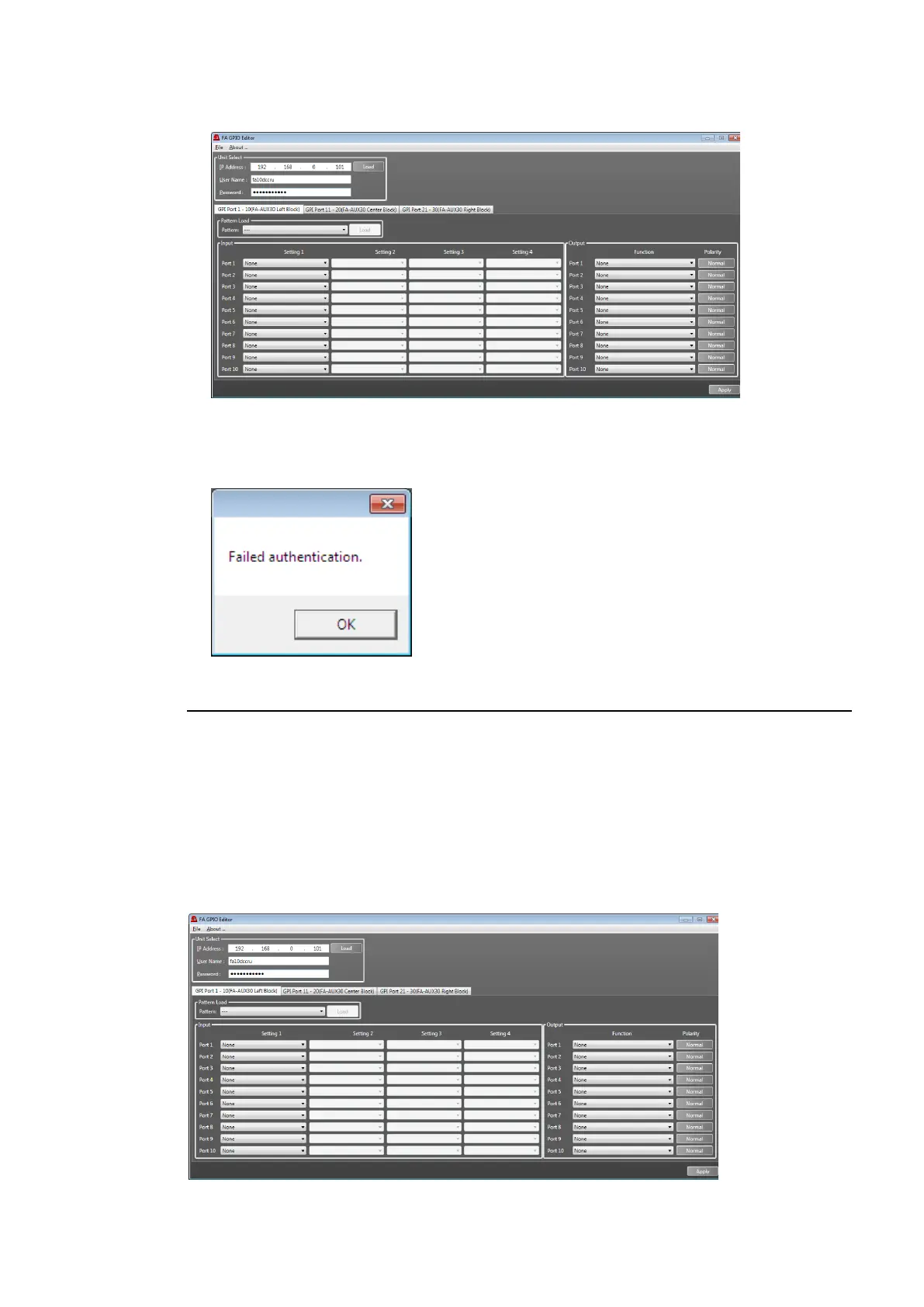
(3) When the user name and password are accepted, a window as shown below is displayed
and FA-10DCCRU GPI settings are loaded in the window.
When the user name and password are not accepted, the following pop-up dialog
windows appears. Click OK to close the dialog.
Enter the correct user name and password and click Load.
10-2-2. Loading and Assigning GPI Functions
As factory default, GPI functions are all set to None (no function).
Use the FA-GPIO Editor to perform GPI assignments for GPI1 - 3 (Ports 1-30) connectors.
Select a GPI connector (10 ports) by clicking a tab from the following three:
GPI Port 1 - 10(FA-AUX30 Left Block)
GPI Port 11 - 20(FA-AUX30 Center Block)
GPI Port 21 - 30(FA-AUX30 Right Block)
Note that “(FA-AUX30…)” indicates a button block (seen from the front side) when
connecting an FA-AUX30 unit.



 To Next Page