56
10. GPI Interface
GPI input /output functions can be assigned to GPI ports 1-30 (GPI 1-3 connectors) on the
FA-10DCCRU using the supplied FA GPIO Editor software.
GPI input and output functions can be assigned to ports individually or in 10-port groups. (See
section 10-4.)
GPI settings can be backed up to and restored from files using Export and Import. (See section -2)
10-1. FA-GPIO Editor
10-1-1. Installing the FA GPIO Editor
Use the supplied CD-ROM to install the FA GPIO Editor software.
Before installing this software, close all other applications on the computer.
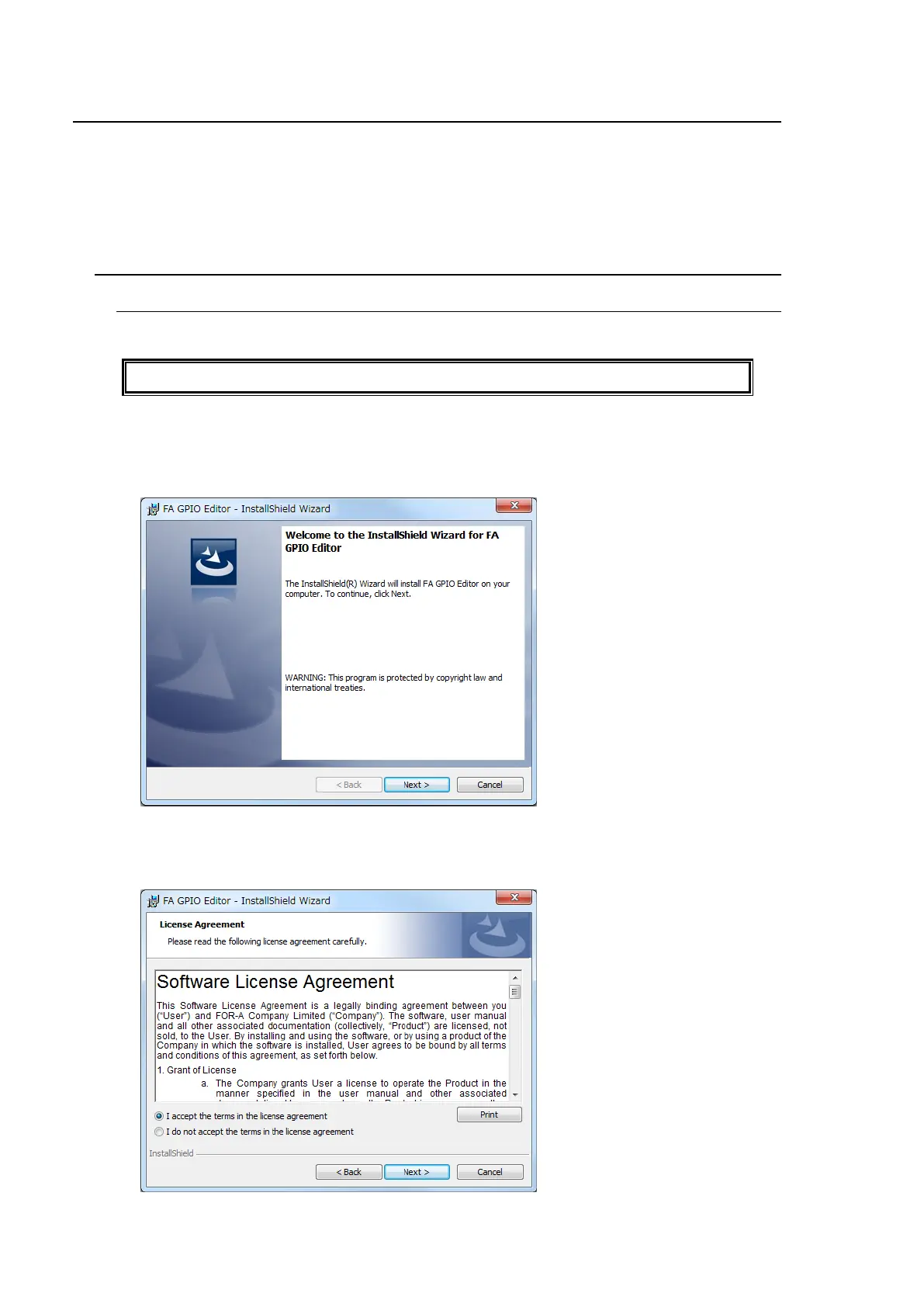
(1) Insert the supplied CD-ROM into the PC. Click “FA GPIO Editor > setup “ on the CD-ROM
to start the installation wizard.
(2) Click Next.
(3) The Software License Agreement window appears. Read the agreement statement and
check the I accept the terms in license agreement check box, then click next.
To cancel the installation, click Cancel.



 To Next Page