78
5
Taking Photographs
2
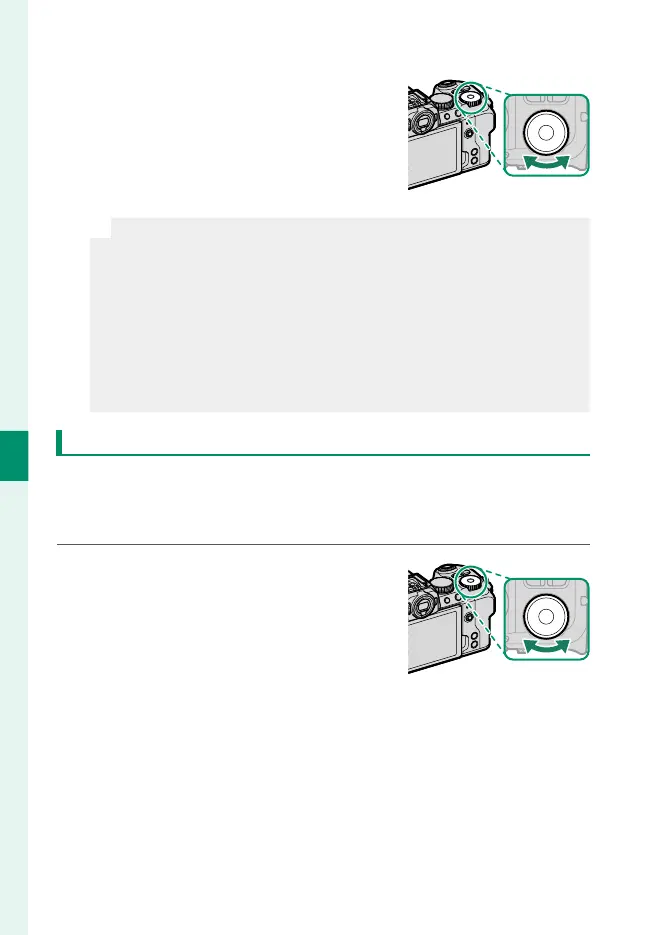
Rotate the rear command dial to
choose a shutter speed and the lens
aperture ring to choose an aperture.
N
•
The manual exposure display includes an exposure indicator
that shows the amount the picture would be under- or over-ex-
posed at current settings.
•
If the lens is not equipped with an aperture ring or if the aperture
ring is in the A position, aperture can be adjusted by rotating the
front command dial.
•
The roles played by the front and rear command dials can be
changed using D BUTTON/DIAL SETTING> COMMAND DIAL
SETTING.
Bulb (B)
Select a shutter speed of BULB for long time-exposures in which
you open and close the shutter manually. Use of a tripod is rec-
ommended to prevent the camera moving during the exposure.
1
Set shutter speed to BULB.


 To Next Page
 Loading...









