68
5
Taking Photographs
Choosing a Shooting Mode
Choose a shooting mode according to the scene or type
of subject.
Y (AUTO)
The camera automatically detects the subject and adjusts focus
and chooses a scene mode appropriately.
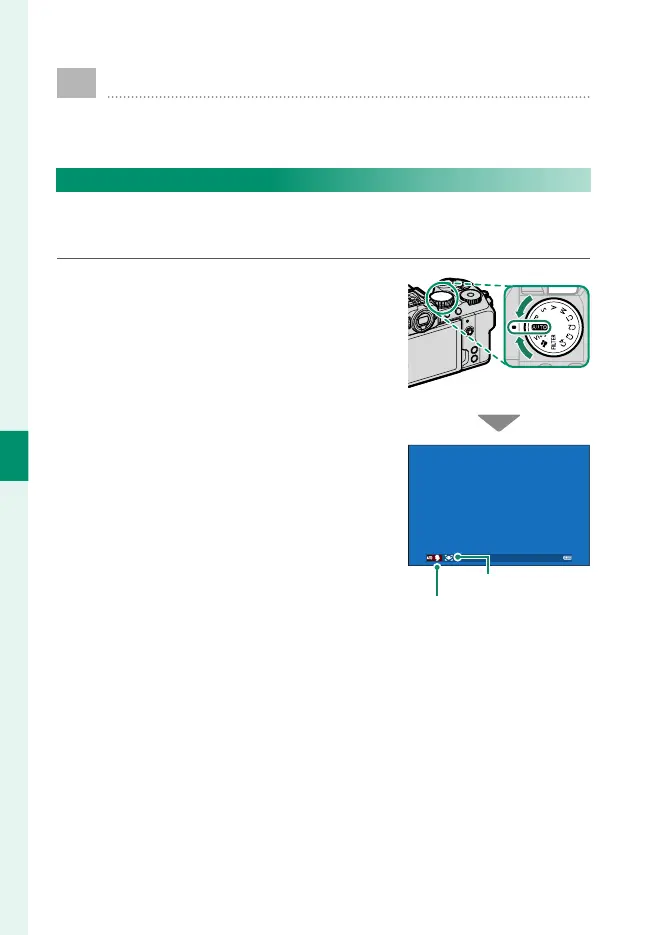
Rotate the mode dial to AUTO to view the
shooting display for Y mode.
The camera automatically displays icons
showing the selected scene and the type
of subject selected for focus.
Subject
Scene













 To Next Page