71
5
Taking Photographs
Choosing a Shooting Mode
Program AE (P)
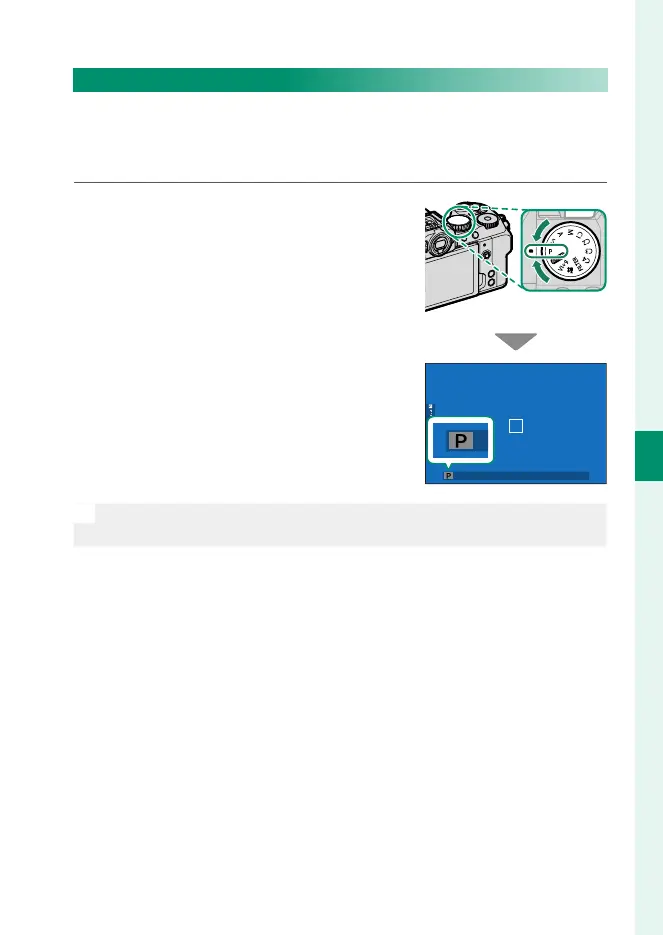
Let the camera choose shutter speed and aperture for optimal
exposure. Other values that produce the same exposure can be
selected with program shift.
Rotate the mode dial to P.
P will appear in the display.
O
If the subject is outside the metering range of the camera, the shutter
speed and aperture displays will show “– – –”.













 To Next Page