53
3
Basic Photography and Playback
Deleting Pictures
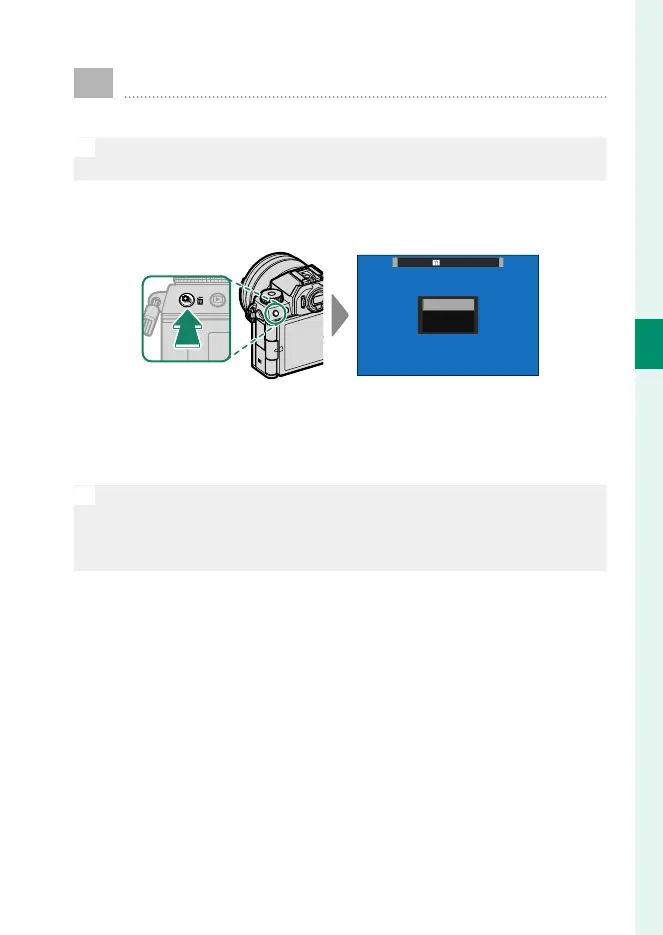
Use the b button to delete pictures.
O
Deleted pictures cannot be recovered. Protect important pictures or
copy them to a computer or other storage device before proceeding.
1
With a picture displayed full frame, press the b button and
select FRAME.
FRAME
SELECTED FRAMES
ALL FRAMES
ERASE
2
Press the focus stick (focus lever) left or right to scroll through
pictures and press MENU/OK to delete (a con rmation dialog is
not displayed). Repeat to delete additional pictures.
N
•
Protected pictures cannot be deleted. Remove protection from any
pictures you wish to delete (P 233).
•
Pictures can also be deleted from the menus using the C PLAY BACK
MENU> ERASE option (P 229).













 To Next Page