262
Network/USB Features and Settings
8
Network/USB Setting Menus
Adjust camera network and USB settings.
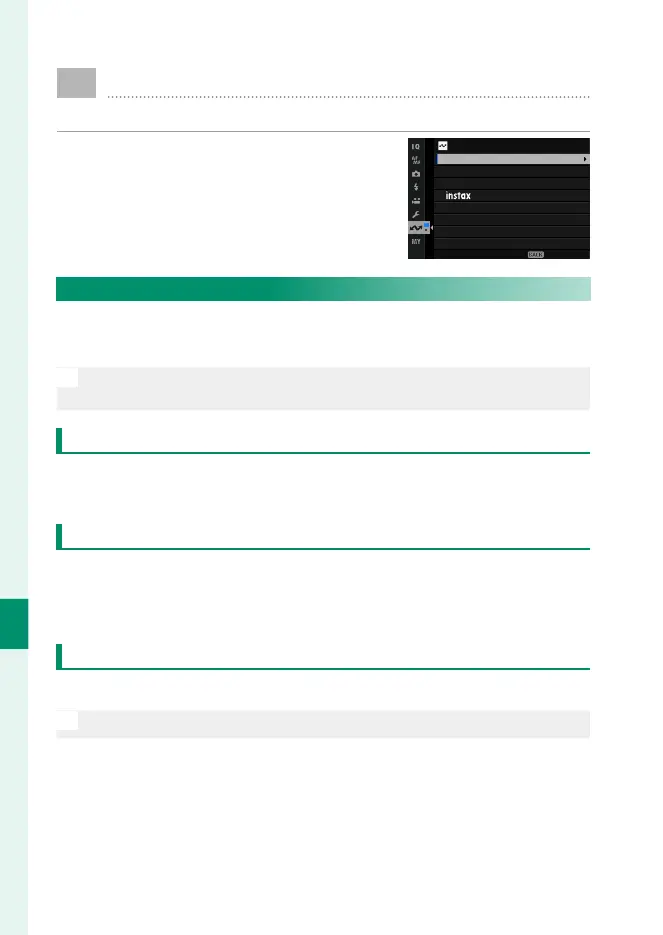
To access network/USB settings from
the shooting or playback display, press
MENU/OK and select the I (network/USB
setting) tab.
EXIT
NETWORK/USB SETTING
AIRPLANE MODE
NETWORK SETTING
PRINTER CONNECTION SETTING
Bluetooth/SMARTPHONE SETTING
USB POWER SUPPLY/COMM SETTING
INFORMATION
RESET WIRELESS SETTING
CONNECTION MODE
Bluetooth/SMARTPHONE SETTING
Adjust Bluetooth-related settings as well as a variety of smart-
phone-related settings.
N
Be sure your smartphone or tablet is running the latest version of the
smartphone app.
PAIRING REGISTRATION
Pair the camera with a smartphone or tablet to which the smart-
phone app has been installed.
SELECT PAIRING DESTINATION
Choose a connection from a list of devices with which the cam-
era has been paired using PAIRING REGISTRATION. Select NO
CONNECTION to exit without connecting.
DELETE PAIRING REG.
Delete existing pairing information for a smartphone or tablet.
N
The selected device will be removed from the pairing list.













 To Next Page