331
Peripherals and Optional Accessories
11
Lenses
Lens Care
•
Use a blower to remove dust, then gently wipe with a soft, dry
cloth. Any remaining stains can be removed by wiping gently
with a piece of Fuji lm lens-cleaning paper to which a small
amount of lens-cleaning uid has been applied.
•
Replace the front and rear caps when the lens is not in use.
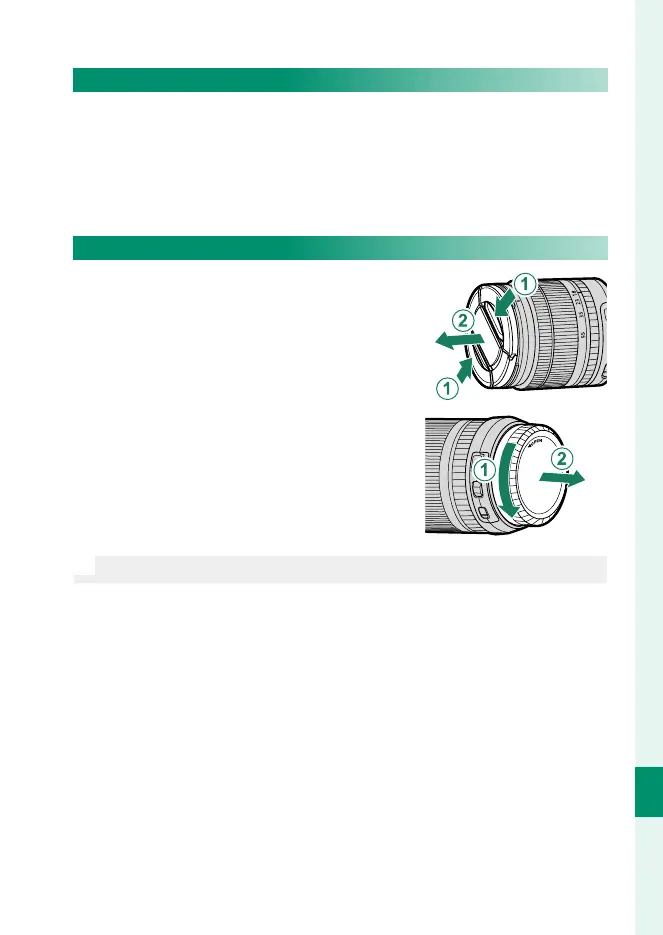
Removing Lens Caps
Remove lens caps as shown.
O
Lens caps may di er from those shown.













 To Next Page