128
6
The Shooting Menus
IMAGE QUALITY SETTING (Still Photography)
Adjust image quality settings for still photography.
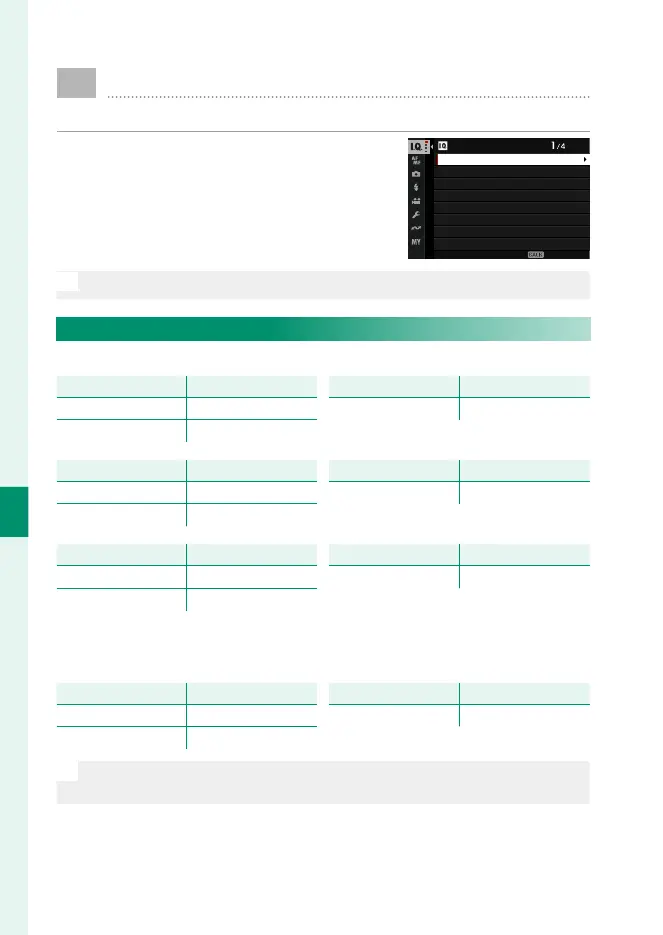
To display image quality settings, press
MENU/OK in the photo shooting display and
select the H (IMAGE QUALITY SETTING)
tab.
IMAGE QUALITY SETTING
IMAGE SIZE
IMAGE QUALITY
RAW RECORDING
SELECT JPEG/HEIF
MONOCHROMATIC COLOR
GRAIN EFFECT
COLOR CHROME EFFECT
FILM SIMULATION
EXIT
N
The options available vary with the shooting mode selected.
IMAGE SIZE
Choose the size and aspect ratio at which still pictures are recorded.
Option
Image size
O 3 : 2
6240 × 4160
O 16 : 9
6240 × 3512
Option
Image size
O 1 : 1
4160 × 4160
Option
Image size
P 3 : 2
4416 × 2944
P 16 : 9
4416 × 2488
Option
Image size
P 1 : 1
2944 × 2944
Option
Image size
Q 3 : 2
3120 × 2080
Q 16 : 9
3120 × 1760
Option
Image size
Q 1 : 1
2080 × 2080
The following options are available in SPORTS FINDER MODE
and when 1.25X CROP is selected in burst mode:
Option
Image size
P 3 : 2
4992 × 3328
P 16 : 9
4992 × 2808
Option
Image size
P 1 : 1
3328 × 3328
N
IMAGE SIZE is not reset when the camera is turned o or another
shooting mode is selected.













 To Next Page