104
5
Taking Photographs
Sensitivity
Adjust the camera’s sensitivity to light.
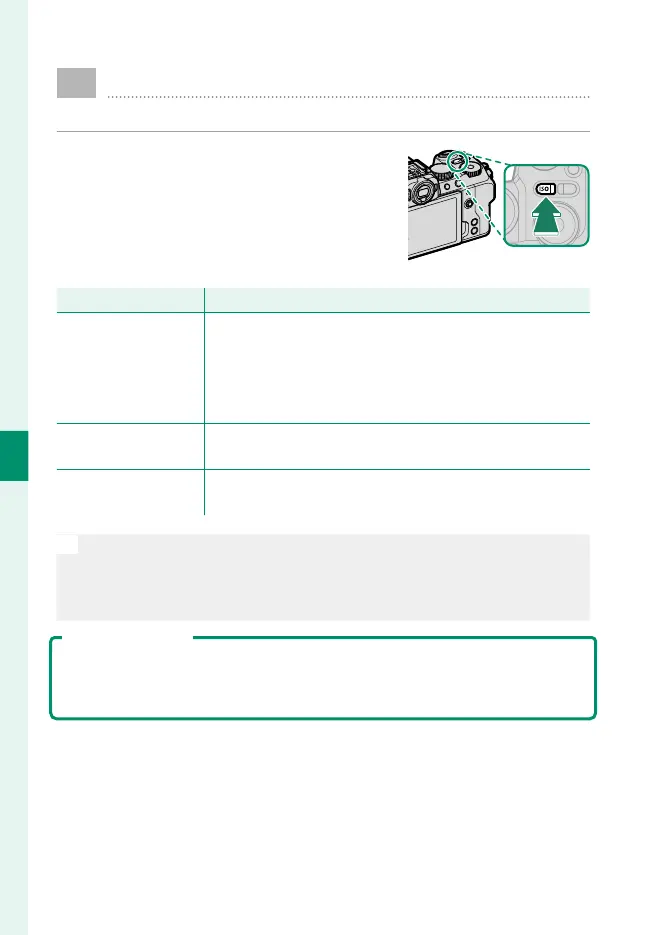
To view sensitivity settings, press the
ISObutton.
Option
Description
AUTO1
AUTO2
AUTO3
Sensitivity is automatically adjusted in response to shoot-
ing conditions according to combination of standard and
maximum sensitivity and minimum shutter speed cho-
sen for A SHOOTING SETTING>ISO. Choose from
AUTO1, AUTO2, and AUTO3 (P 105).
160–12800
Adjust sensitivity manually. Selected value is shown in dis-
play.
L(80/100/125)
H(25600/51200)
Choose for special situations. Note that mottling may ap-
pear in pictures taken at H, while L reduces dynamic range.
N
•
Sensitivity is not reset when the camera is turned o .
•
Pressing the ISObutton while the mode dial is rotated to F(movie)
or Vlog displays the B MOVIE SETTING> F ISO item in the movie
menus.
Adjusting Sensitivity
High values can be used to reduce blur when lighting is poor, while lower
values allow slower shutter speeds or wider apertures in bright light; note,
however, that mottling may appear in pictures taken at high sensitivities.













 To Next Page