167
6
The Shooting Menus
SHOOTING SETTING (Still Photography)
Adjust shooting options for still photography.
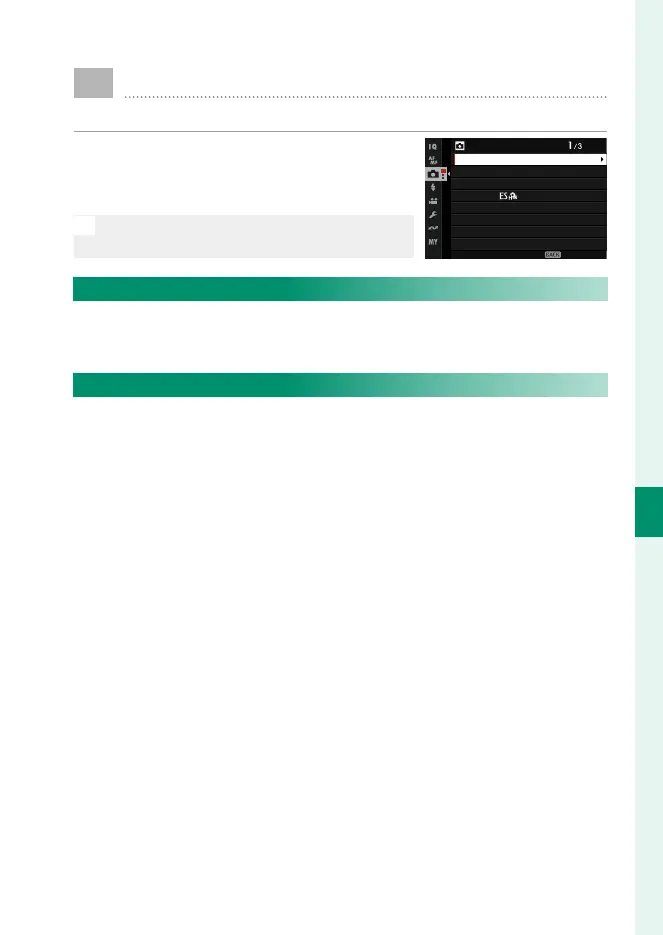
To display shooting settings, press MENU/OK
in the photo shooting display and select
the
A
(SHOOTING SETTING) tab.
N
The options available vary with the shoot-
ing mode selected.
SHOOTING SETTING
SELF-TIMER
SAVE SELF-TIMER SETTING
SELF-TIMER LAMP
AE BKT SETTING
AUTO MODE SETTING
SPORTS FINDER MODE
FILTER SETTING
PRE-SHOT
EXIT
AUTO MODE SETTING
Choose the scene selected when the mode dial is rotated to AUTO
(P 68).
FILTER SETTING
Choose the lter used when the mode dial is rotated to FILTER
(P 81).













 To Next Page