91
5
Taking Photographs
Autofocus
Take pictures using autofocus.
1
Select single or continuous AF for G AF/MF SETTING>
FOCUS MODE in the shooting menu (P 92).
2
Use G AF/MF SETTING> AF MODE to choose an AF mode
(P 94).
3
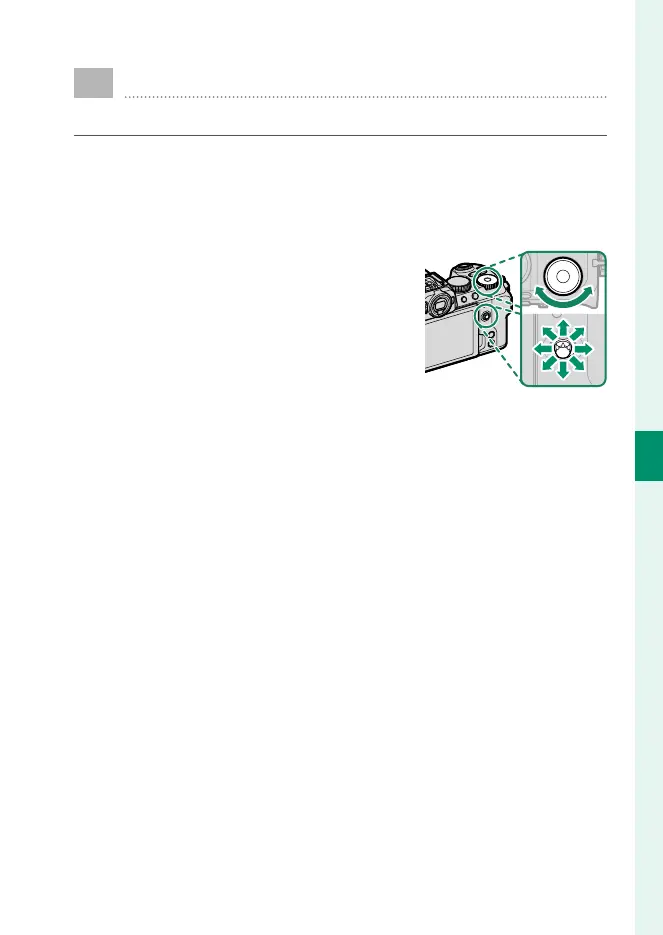
Select G AF/MF SETTING> FOCUS
AREA and choose the position and
size of the focus frame (P 96).
4
Take pictures.













 To Next Page