206
6
The Shooting Menus
AF/MF SETTING (Movie Recording)
Adjust focus settings for movies.
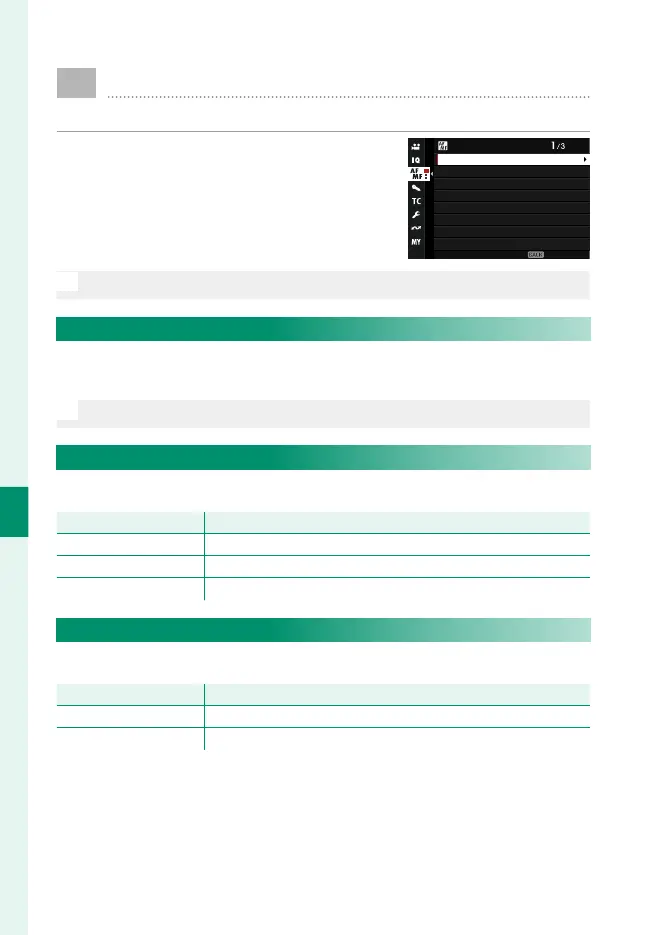
To display AF/MF settings, press MENU/OK
in the movie shooting display and select
the G(AF/MF SETTING) tab.
AF/MF SETTING
F AF MODE
F FOCUS MODE
FAF-C CUSTOM SETTING
Fg FACE/EYE DETECTION SETTING
FFOCUS AREA
xFAF ILLUMINATOR
PRODUCT PRIORITY MODE
xFWRAP FOCUS POINT
EXIT
N
The options available vary with the shooting mode selected.
F FOCUS AREA
Choose the focus area for autofocus, manual focus, and focus
zoom (P 96).
O
The focus area cannot be resized while recording is in progress.
F FOCUS MODE
Choose the focus mode for movie recording.
Option
Description
p MANUAL FOCUS
Focus manually.
k CONTINUOUS AF
The camera focuses using AF-C.
l SINGLE AF
The camera focuses using AF-S.
F AF MODE
Choose how the camera selects the focus point for movie recording.
Option
Description
MULTI The camera selects the focus area automatically.
AREA The camera focuses on the subject in the selected focus area.













 To Next Page