250
Network/USB Features and Settings
8
Connecting to Smartphones (USB)
Connect to smartphones and computers via USB to upload
pictures from the camera.
Copying Pictures to a Smartphone
Before connecting to the smartphone to upload pictures via USB,
select either AUTO or POWER SUPPLY OFF/COMM ON for USB
POWER SUPPLY/COMM SETTING in the network/USB setting
menu.
For Customers Using Android Devices
How you will connect the camera depends on the type of USB
connector with which your smartphone is equipped.
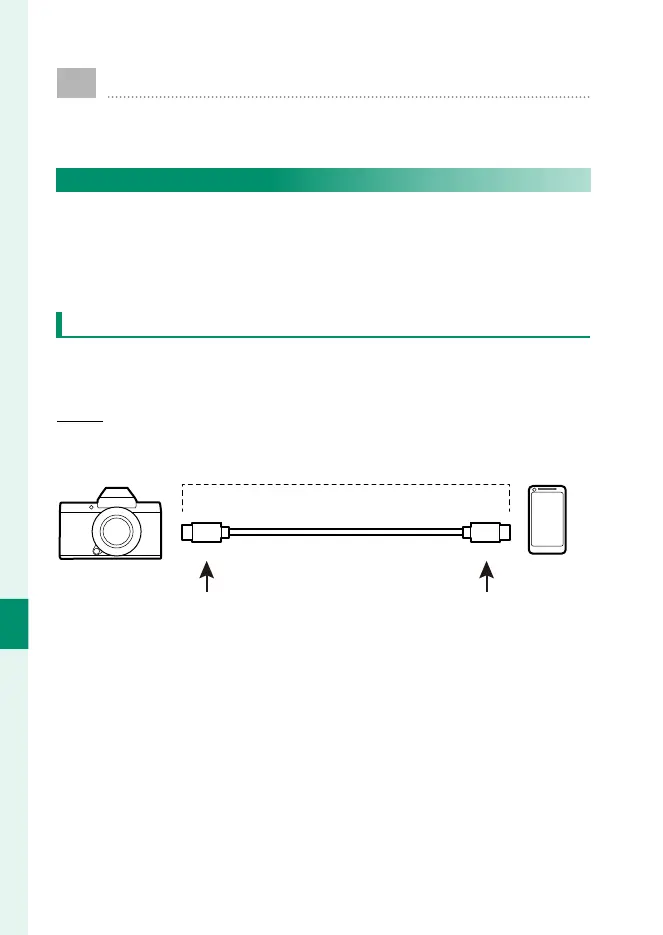
Type-C
Use the supplied USB cable.
Supplied USB cable
Type-C connector (male) Type-C connector (male)





 To Next Page