217
6
The Shooting Menus
TIME CODE SETTING (Movie Recording)
Adjust time code (hour, minute, second, and frame num-
ber) display settings for movie recording.
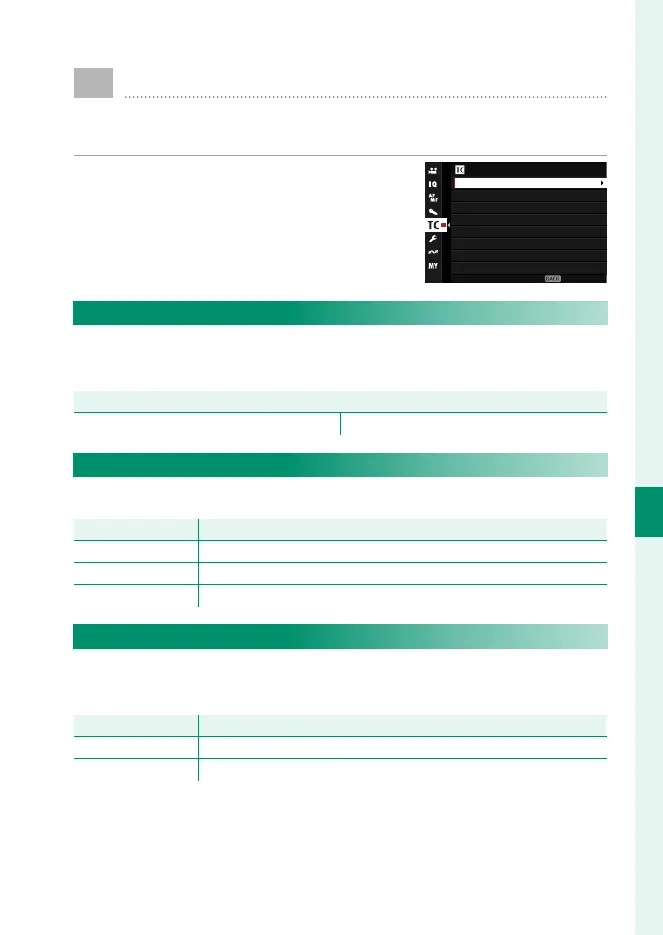
To display time code settings, press
MENU/OK in the movie shooting display
and select the Q(TIME CODE SETTING)
tab.
TIME CODE SETTING
TIME CODE DISPLAY
START TIME SETTING
COUNT UP SETTING
HDMI TIME CODE OUTPUT
DROP FRAME
EXIT
TIME CODE DISPLAY
Select ON to display time codes during movie recording and
playback.
Options
ON OFF
START TIME SETTING
Choose the time code starting time.
Option
Description
MANUAL INPUT Choose a start time manually.
CURRENT TIME
Set the start time to the current time.
RESET Set the start time to 00:00:00.
COUNT UP SETTING
Choose whether time is clocked continuously or only during
movie recording.
Option
Description
REC RUN Time is clocked only during movie recording.
FREE RUN Time is clocked continuously.













 To Next Page