64
4
Movie Recording and Playback
N
•
Press MENU/OK to pause playback and display volume controls. Press
the focus stick (focus lever) up or down to adjust the volume; press
MENU/OK again to resume playback. Volume can also be adjusted us-
ing D SOUND SET-UP> PLAYBACK VOLUME.
•
To view movies on a television connected via HDMI instead of in the
camera monitor, press the a button.
Playback Speed
Press the focus stick (focus lever) left or right to
adjust playback speed during playback. Speed
is shown by the number of arrows (M or N).
29m59s
Arrows
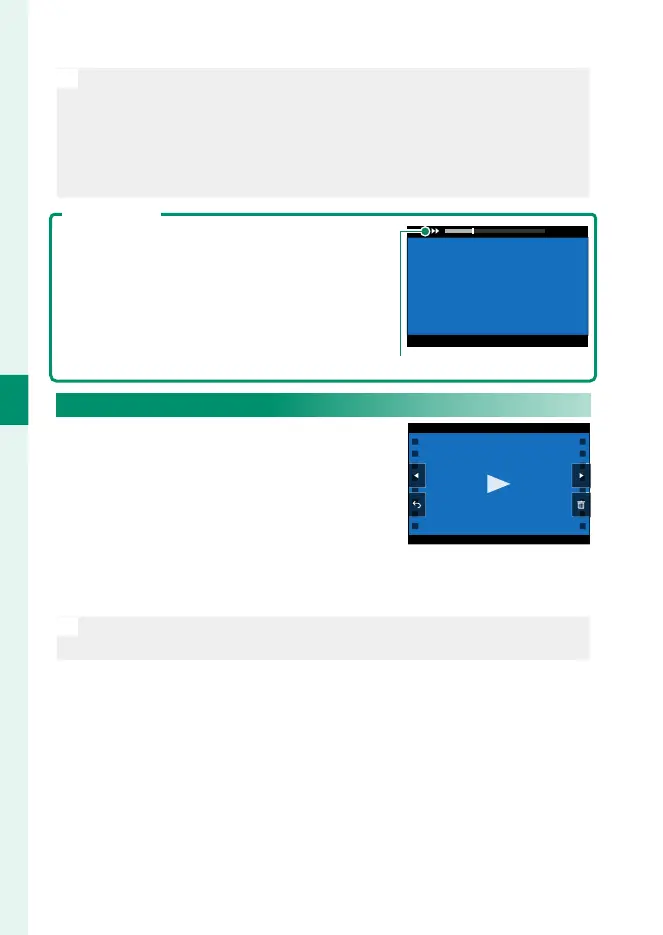
Viewing Movies During Vlog Recording
When the mode dial is rotated to Vlog,
you can view your most recent shot by
pressing the h button and then tap-
ping j in the display.
•
Tap the display to begin playback.
•
Tap m or n to select other shots.
•
To delete the current shot, tap k.
N
If you have viewed other items since your last shot, the most-recently
viewed item will be displayed.













 To Next Page