275
The Setup Menus
9
SOUND SETTING
Make changes to camera sounds.
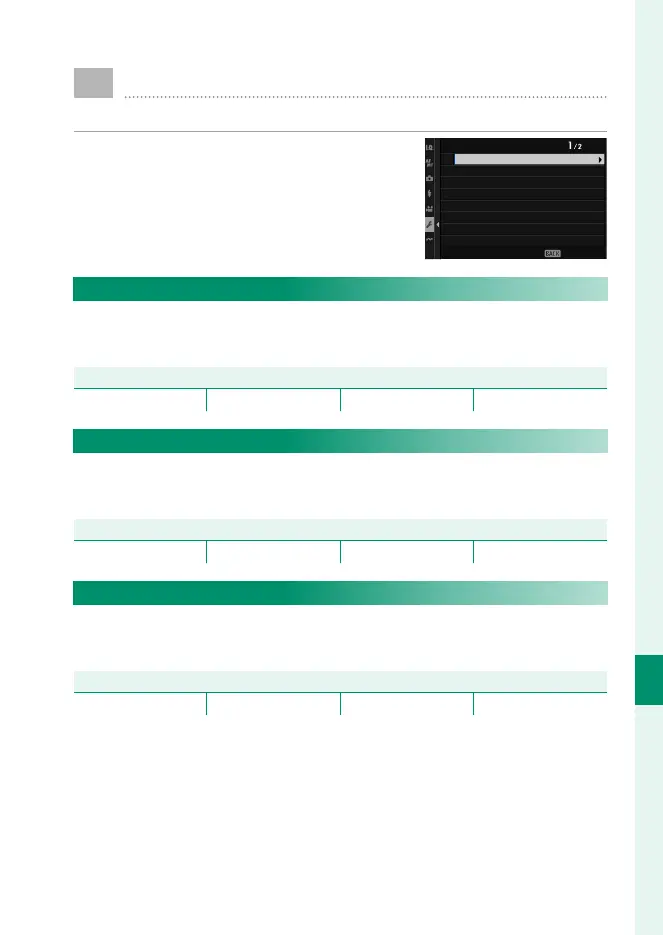
To access sound settings, press MENU/OK,
select the D (SET UP) tab, and choose
SOUND SET-UP.
EXIT
SOUND SETTING
SELF-TIMER BEEP VOL.
AF BEEP VOL.
OPERATION VOL.
FREC START/STOP VOLUME
tELECTRONIC SHUTTER VOLUME
tELECTRONIC SHUTTER SOUND
sELECTRONIC SHUTTER VOLUME
sELECTRONIC SHUTTER SOUND
AF BEEP VOL.
Choose the volume of the beep that sounds when the camera
focuses. The beep can be muted by selecting eOFF.
Options
b (high) c (medium) d (low) eOFF (mute)
SELF-TIMER BEEP VOL.
Choose the volume of the beep that sounds while the self-timer
is active. The beep can be muted by selecting eOFF.
Options
b (high) c (medium) d (low) eOFF (mute)
OPERATION VOL.
Adjust the volume of the sounds produced when camera con-
trols are operated. Choose eOFF to disable control sounds.
Options
b (high) c (medium) d (low) eOFF (mute)













 To Next Page