286
The Setup Menus
9
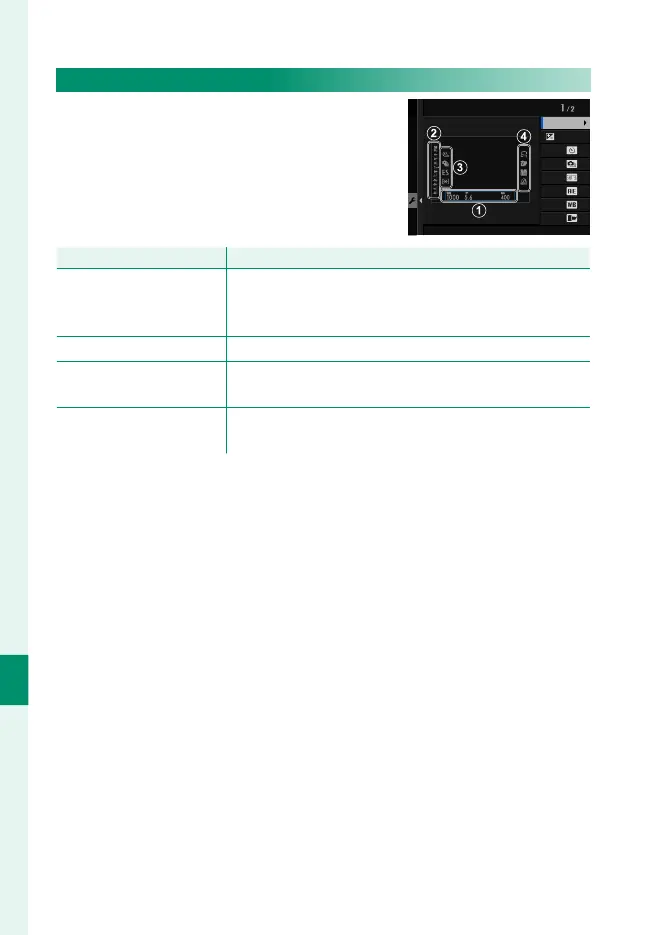
LARGE INDICATORS DISP. SETTING
Choose the indicators displayed when
ON is selected for D SCREEN SET-UP>
LARGE INDICATORS MODE(EVF) or
LARGE INDICATORS MODE(LCD).
R2
R1
L4
L3
L2
L1
Scale
Expo. DISP.
LARGE INDICATORS DISP. SETTING
Option
Description
A
Expo. DISP.
Choose the items listed at the bottom of the display.
Selected items are indicated by check marks (R); to
deselect, highlight the check marks and press MENU/OK.
B
d Scale
Select ON to display the exposure indicator.
C
L1, L2, L3, L4
Choose up to four large icons for display on the left side
of the screen.
D
R1, R2, R3, R4
Choose up to four large icons for display on the right
side of the screen.













 To Next Page