63
4
Movie Recording and Playback
Viewing Movies
View movies on the camera.
Viewing Movies During Playback
Any movie selected after the a button is
pressed to begin playback will be indicat-
ed by a W icon. Press the focus stick (fo-
cus lever) down to start movie playback.
AUDIO SET.PLAY
The following operations can be per-
formed while a movie is displayed:
Focus stick
(focus lever)
Full-frame playback
Playback in
progress (
x
)
Playback
paused (
y
)
Up
View photo
information
End playback
Down Start playback Pause playback Start/resume playback
Left/right
View other pictures
Adjust speed
Single frame rewind/
advance
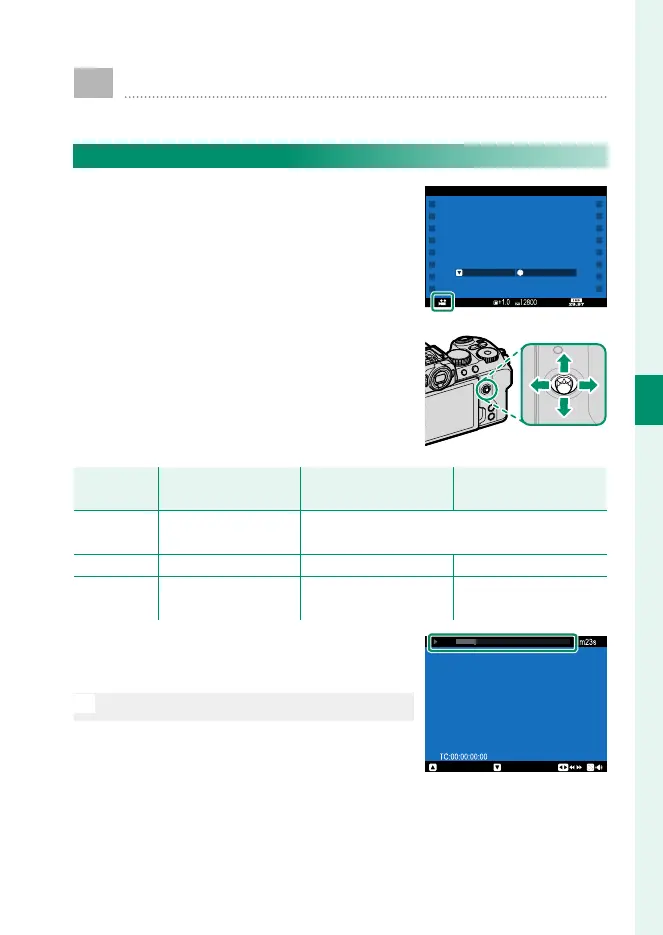
Progress is shown in the display during
playback.
O
Do not cover the speaker during playback.
STOP PAUSE













 To Next Page