115
5
Taking Photographs
Continuous Shooting (Burst Mode)
Capture motion in a series of pictures.
1
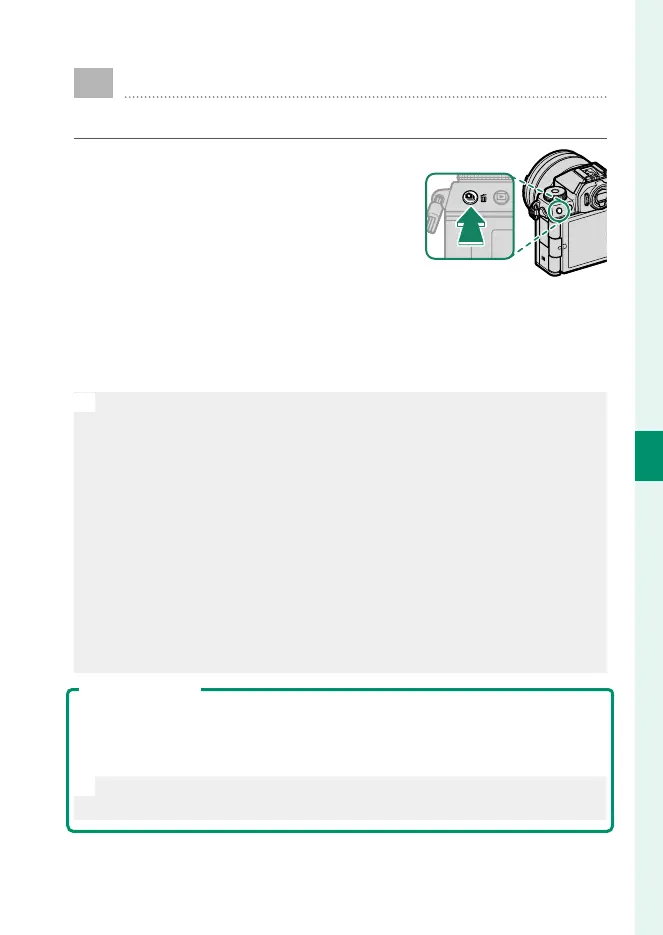
Press the I (drive) button to dis-
play drive-mode menu and select CH
HIGH SPEED BURST or CL LOW SPEED
BURST.
2
Choose the frame advance rate and press the shutter button
to start shooting.
Shooting ends when the shutter button is released or the
memory card is full.
O
•
High frame-advance rates are available only when s ELECTRONIC
SHUTTER is selected for A SHOOTING SETTING> SHUTTER TYPE.
•
If le numbering reaches 9999 before shooting is complete, the re-
maining pictures will be recorded to a new folder.
•
Shooting ends when the memory card is full; the camera will record
all photos shot to that point. Burst shooting may not begin if the
space available on the memory card is insu cient.
•
Frame rates may slow as more shots are taken.
•
Frame rate varies with the scene, shutter speed, sensitivity, and focus
mode.
•
Depending on shooting conditions, frame rates may slow or the ash
may not re.
•
Recording times may increase during burst shooting.
Focus and Exposure
•
Select focus mode CONTINUOUS AF to vary focus with shot.
•
To vary exposure with each shot, select OFF for D BUTTON/DIAL
SETTING> SHUTTER AE.
N
Exposure and focus tracking performance may vary with such factors
as aperture, sensitivity, and exposure compensation.













 To Next Page