289
The Setup Menus
9
BUTTON/DIAL SETTING
Access options for camera controls.
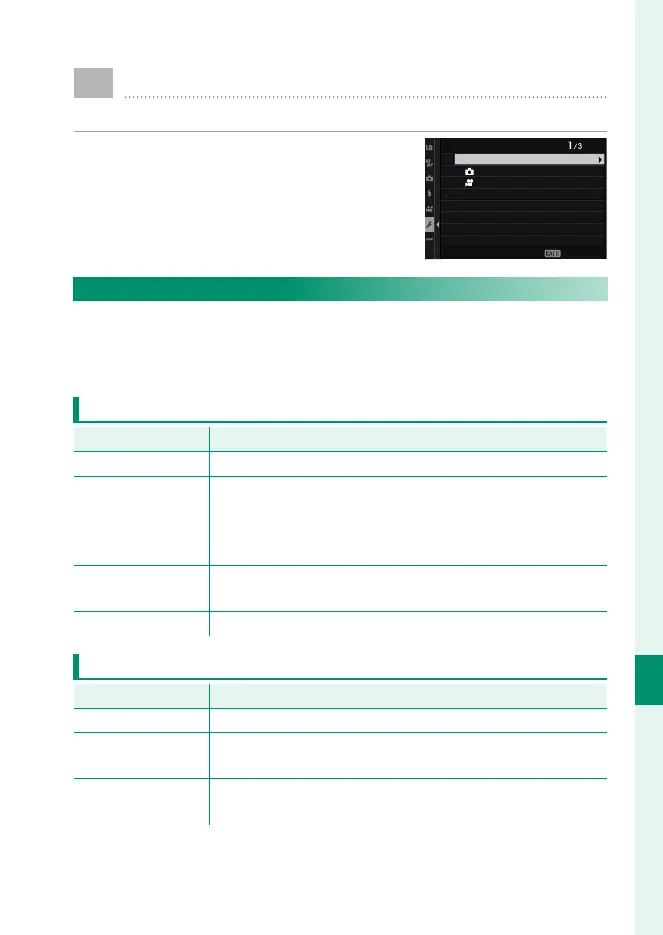
To access control options, press MENU/OK,
select the D (SET UP) tab, and choose
BUTTON/DIAL SETTING.
BUTTON/DIAL SETTING
EDIT/SAVE QUICK MENU
FOCUS LEVER SETTING
EDIT/SAVE QUICK MENU
FUNCTION (Fn) SETTING
POWER ZOOM LENS FUNCTION (Fn) SETTING
COMMAND DIAL SETTING
COMMAND DIAL DIRECTION
o S.S OPERATION
EXIT
FOCUS LEVER SETTING
Choose the functions performed by pressing the center of the
focus stick (focus lever) or by pressing the stick up, down, left, or
right.
PUSH
Option
Description
OFF Pressing the center of the stick has no eff ect.
EDIT FOCUS AREA
Press the center of the stick to choose the focus area size.
If g FACE/EYE DETECTION SETTING or SUBJECT
DETECTION SETTING is on, you can instead position the
focus frame over the desired face, eye, animal, or object.
ZOOM
Press the center of the stick to zoom in on the active focus
area (P 99).
RESET TO CENTER Press the center of the stick to select the center focus area.
TILT o
Option
Description
OFF Pressing the stick up, down, left, or right has no eff ect.
DIRECT AF POINT
SELECTION
Choose the focus area without leaving the shooting display.
EDIT FOCUS AREA
Press the stick up, down, left, or right to view a focus-area
display and choose the focus area.













 To Next Page