152
6
The Shooting Menus
Custom Focus Tracking Options
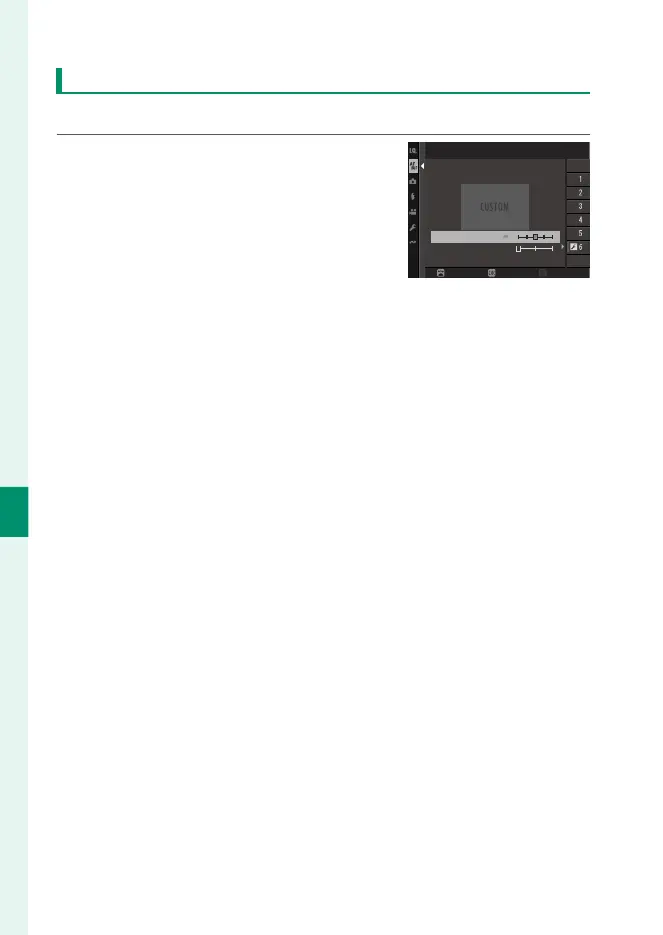
Follow the steps below to adjust settings for Set 6.
1
Select AF-C CUSTOM SETTINGS>
SET 6 CUSTOM.
AF-C CUSTOM SETTINGS
SET 6 CUSTOM
TRACKING SENSITIVITY
ZONE AREA SWITCHING
AUTO
SPEED TRACKING SENSITIVITY
RESETSET DETAIL
ADJUST
2
Highlight items using the focus stick (focus lever) and rotate
the front command dial to change. To reset settings to their
original values, press b.
3
Press DISP/BACK when settings are complete.













 To Next Page