238
Playback and the Playback Menu
7
Filtering Pictures
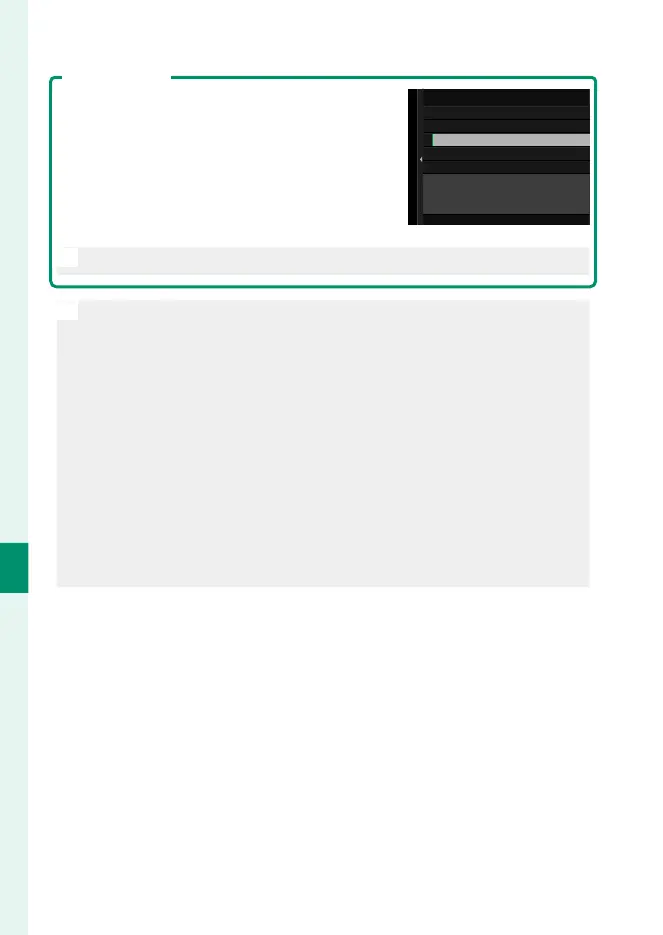
To display only pictures that meet selected cri-
teria, press DISP/BACK in the picture-selection
dialog and select FILTERING.
FILTERING THE IMAGE
WITH CONDITIONS
FILTERING
START TRANSFER
SELECT IMAGE & TRANSFER
O
Selecting FILTERING removes any existing upload marking.
N
•
Image transfer orders can contain a maximum of 999 pictures.
•
The following cannot be selected for upload:
-
Protected pictures
-
Movies
-
RAW images
-
“Gift” pictures (pictures taken with other cameras)
•
If ON is selected for both IMAGE TRANSFER WHILE POWER OFF
and Bluetooth/SMARTPHONE SETTING> Bluetooth ON/OFF in
the network/USB settings menu, upload to the paired device will
continue even while the camera is o .
•
When d SELECT & SMARTPHONE TRANSFER ORDER is selected
for D BUTTON/DIAL SETTING> a ISO BUTTON SETTING, the pic-
ture-selection dialog can be displayed by pressing the ISO button.













 To Next Page