323
Shortcuts
10
Function Controls
Assigning Roles to Touch Function Gestures
Pressing and holding the DISP/BACK button displays a dialog where
you can choose the roles assigned to touch function gestures.
1
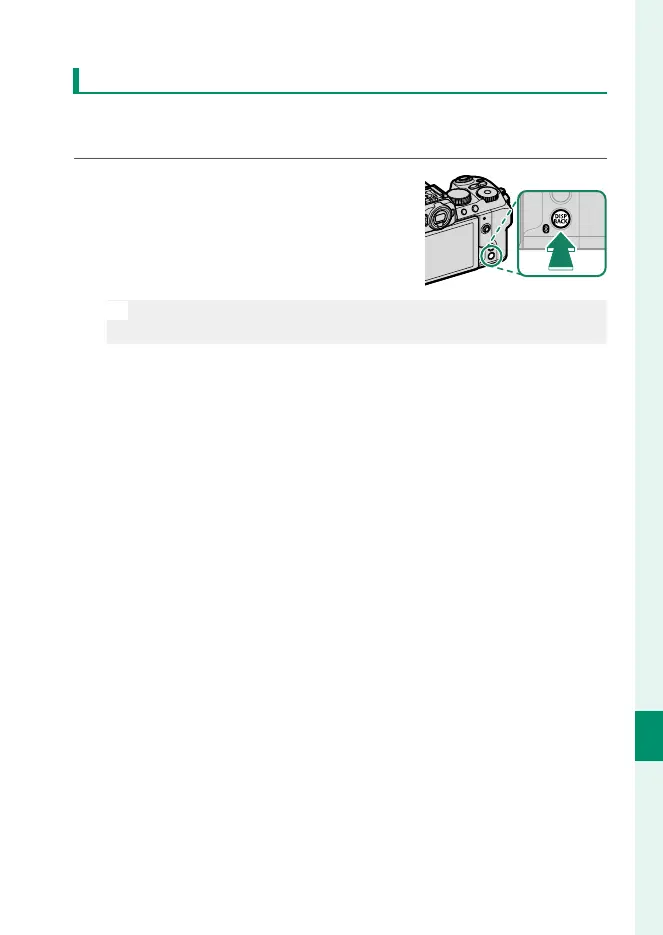
Press and hold the DISP/BACK button
until a control selection menu is dis-
played.
N
Button assignments can also be selected using D BUTTON/DIAL
SETTING> FUNCTION (Fn) SETTING.
2
Highlight a touch function gesture and press MENU/OK.
3
Highlight any of the following options and press MENU/OK to
assign it to the selected control.













 To Next Page